Technology Tools for the Classroom to Enhance Learning
Ryann Garland
Remember when “technology in the classroom” meant an overhead projector and dry-erase markers? Remember when it felt revolutionary when YouTube became more than cat videos and had helpful education videos for the classroom? (Shout out to John and Hank Green: they carried me through my social studies and science classes)
YouTube and a projector are literally child’s play these days to iPad kids and Covid babies who are entering the classroom today. Times have changed, and so have students. When there are so many options, what are the best technology tools for the classroom? Let’s go through a few of our favorites together and learn how to make them work for your students.
The Role of EdTech in Modern Classrooms
To tech or not to tech? That is the question of the digital age. How much technology to use in the classroom and how to use it is every teacher’s battle. Unlike other classroom battles, this one doesn’t offer much of a summer vacation. With constant new technology and digital platforms coming onto the scene, it’s hard to know what will actually help students learn and grow versus what will just fill time.
Used well, educational technology helps teachers deliver engaging, student-centered lessons. Tools like Google Classroom and Mission.io streamline lesson planning and delivery, communication, and student tracking. These platforms also help students practice real-world skills like organization, collaboration, and self-directed learning.
Key Benefits of Technology Integration
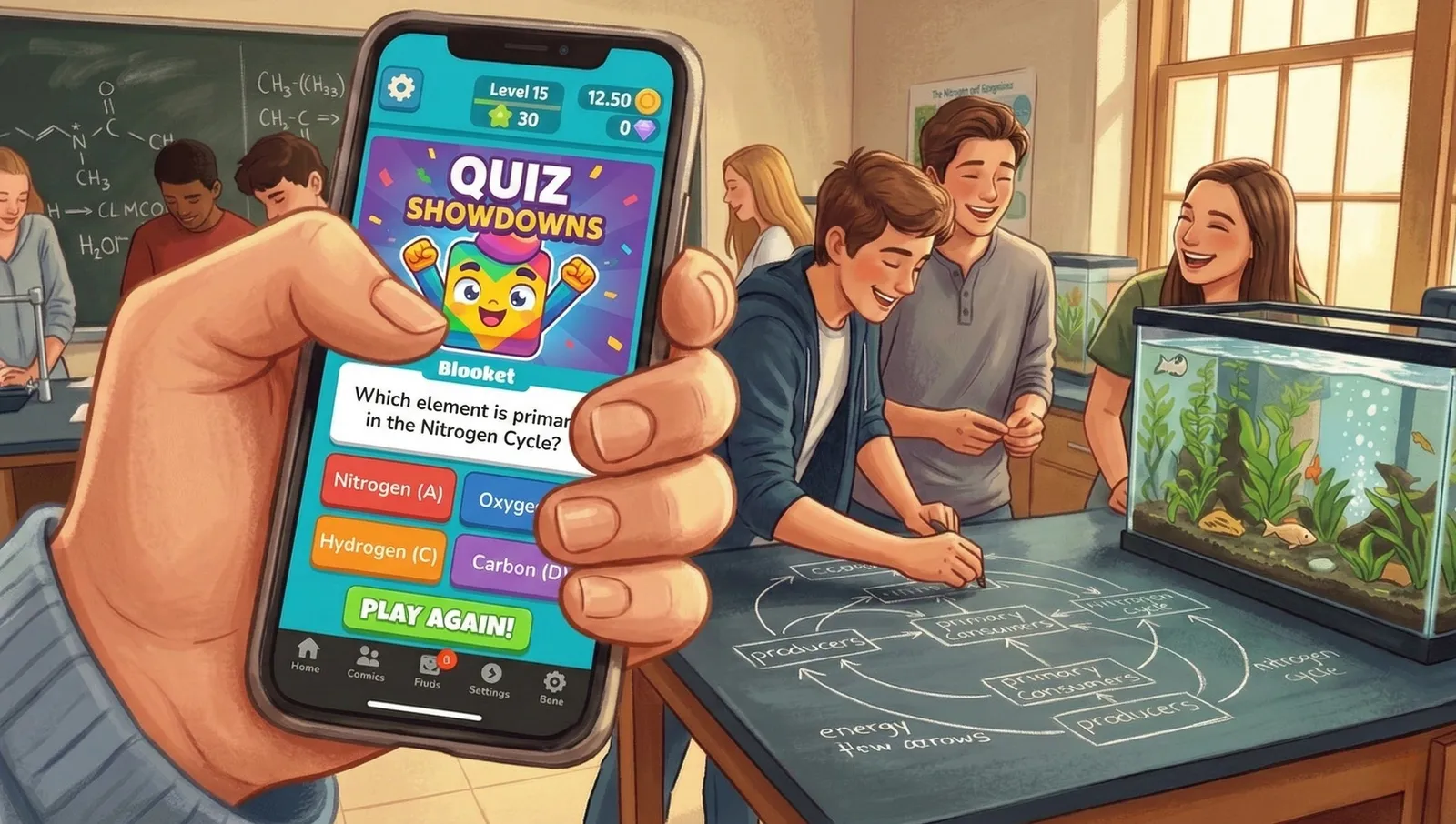
Technology in the classroom does more than just save paper (but let’s be honest, saving a few trips to the copy machine is a win in itself). It can make lessons interactive and student work more meaningful. When students have access to interactive games and tools like quizzes and trackers, they pay attention for longer. More student participation means increased engagement, which leads to better retention. (Read more about how to use gamification to enhance education here)
Digital tools can also make teaching easier. Many interactive quizzes and other online resources have built-in feedback features. Platforms that chart progress give teachers a quick read on where each student is. Clear feedback shows you which areas to focus on, so you can support each student’s growth and personalize learning to their needs.
Technology tools also give students a chance to track their own progress and think reflectively about goals and habits. With resources like Mission.io, students learn to take responsibility for their own learning and be more invested in the outcome.
Strategies for Effective Tech Integration
Technology won’t make your students perfect on its own. A few strategies help you integrate it well.
First, use differentiated instruction via personalized goal-setting and feedback loops. Platforms like Mission.io give feedback on skills like collaboration and initiative, so you know how to help each student grow. Even something as simple as Google Docs works well to create a shared workspace for assigning, tracking, and reflecting on goals.

Another way to integrate technology well is to combine traditional lesson plans with digital media and interactive content. To prep for an upcoming science test, take time to study a chapter and then use a Kahoot (or one of our favorite Kahoot alternatives) to quiz students. Or, teach a grammar lesson and then have the class use it in an interactive editing and revising practice. We learn best by doing, so interactive practice after a lesson helps the learning stick.
Classroom Management Tools That Work
Classroom technology can also lighten a teacher’s load and make classroom management easier, too. Tools like Google Classroom help with assignment distribution and communication.
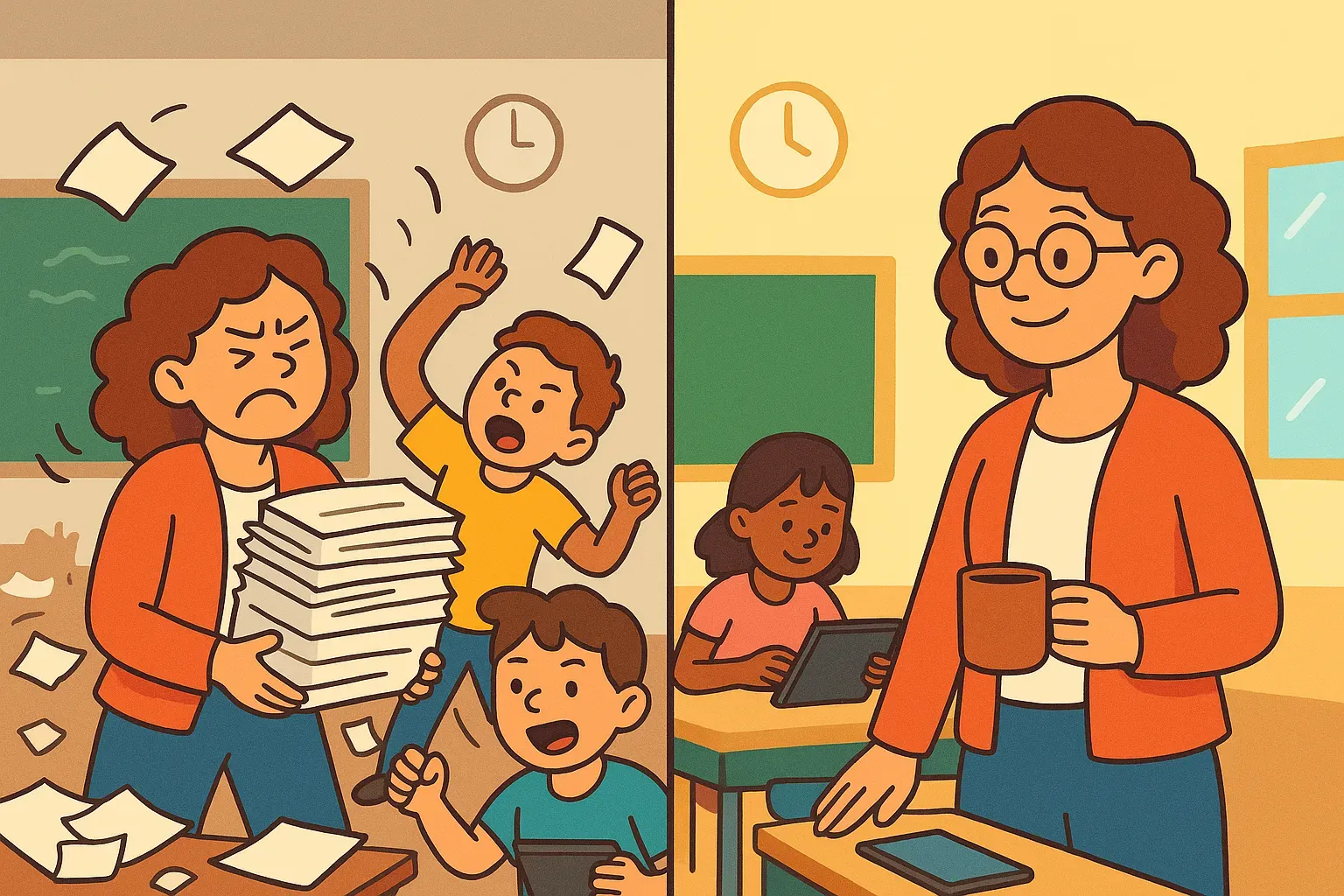
Other programs like Mission.io or Notion help students break down bigger challenges into manageable milestones, promote accountability, and improve time management. Give students a challenge and the tools to meet it, then let them take the lead. You’ll be shocked at the determination and creativity of students when they’re given a little bit of freedom.
Using Tech for Differentiated Instruction
Tech can also be adapted to diverse student needs, an absolute necessity when bringing together students with different strengths, needs, and backgrounds. With flexible task assignments and personalized timelines, all students can learn at a pace that is right for them.
Empowering Educational Institutions
Technology should lighten an educator’s load and help students focus. Classrooms, schools, and whole districts can adopt programs like Mission.io to share one approach to goal tracking, with clear expectations for students and teachers. When students use Mission.io one year, they’re thrilled the next school year when they see that they can continue using it.
Read about how one school was empowered through Mission.io here.
Its dashboard and analytics show learning trends and student success across every Mission. With Missions across ages and subjects, there’s something for everyone. Real-life challenges push students to see how what they learn in the textbook will help them succeed outside the classroom.
Smarter Lesson Planning with Digital Tools
Teachers can also integrate tech tools like Google Slides and Forms for assessments. When students can learn and answer questions as they go, they stay focused and excited to keep learning. Make lesson planning easier by putting questions, links, and materials all in one place.
Practical Ways to Incorporate Technology
Not sure where to begin with all the options out there? Don’t stress: pick one platform, one activity at a time. Pair your ultimate goals with the activity or platform that would be best for your class. Need to help students prepare for an upcoming test? Try out interactive quizzes. Do students need to work on an upcoming group project? Set them up on collaborative docs so they can keep their ideas together and all in one place.
For longer-term technology use, look at platforms that support multimedia projects like Canva or VistaCreate. You could also use these platforms to help students create personal goal boards they can refer back to. These could be goals for an upcoming unit, goals for the school year, or goals for how they want to grow in a specific skill.
If you’re in need of a student-friendly platform that supports goals, look into Mission.io. Every student gets a report on the human skills they used in each Mission, so they know which areas to work on next. The interactive and collaborative features keep motivation high and learning consistent.
Help Students Learn With Purpose Using Mission.io
Used well, technology leads students toward independent learning. With Mission.io, students use what they know, set goals, reflect on progress, and take charge of their education.
Teachers, bring structure and self-motivation to your classroom with Mission.io. Start with a free account today and help every student have a “mission accomplished” moment.