Hit the Books: Blooket Alternatives
Grace Balena
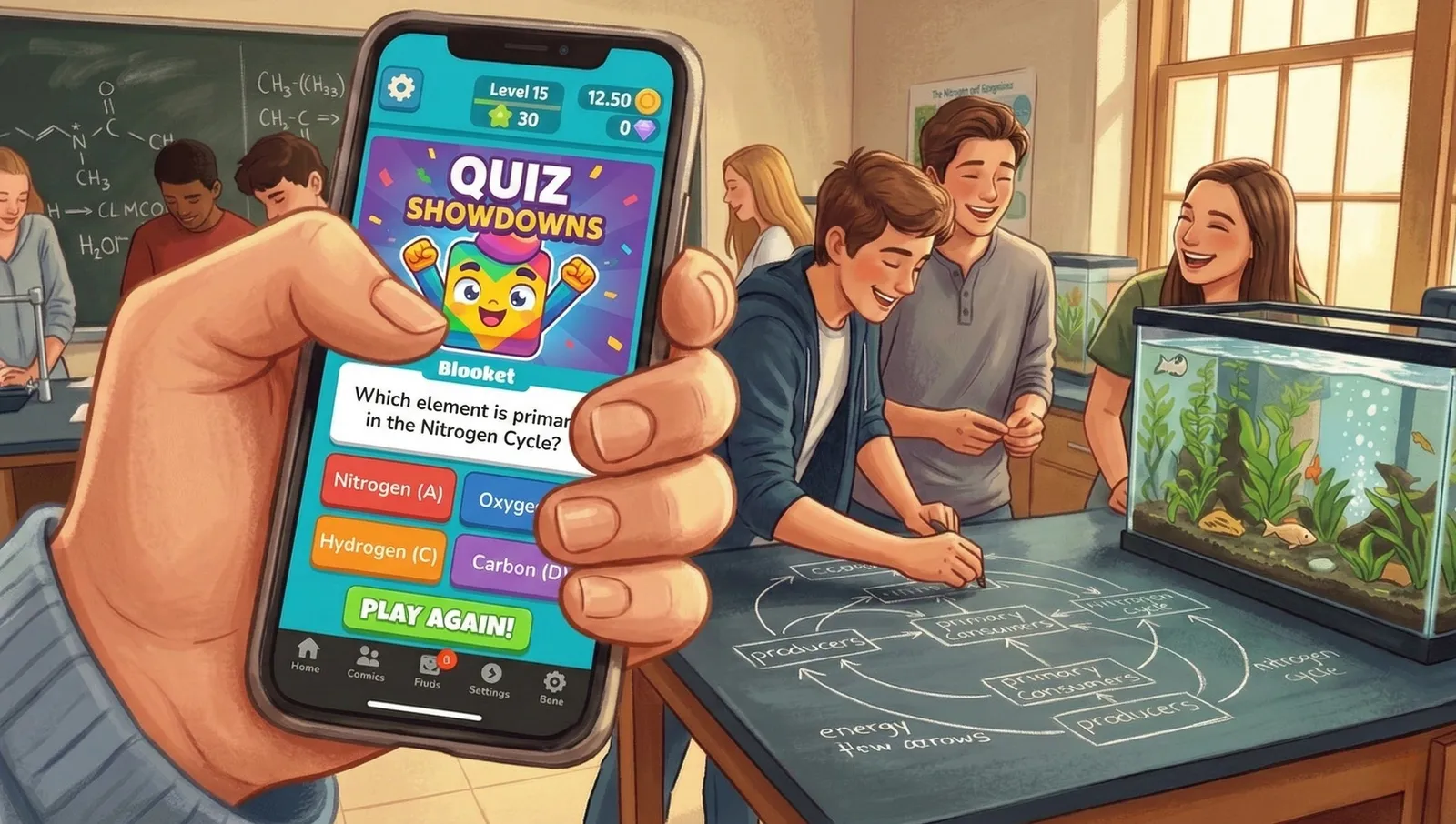
In high school, I remember a particularly awesome science class. My teacher taught us about ecosystems by trusting us to raise fish. We drew diagrams in chalk on the lab tables. Our lab group spent lots of time collecting real data outside, collaborating, and learning. And just about every week, we played Blooket.
I remember the chaos that would inevitably ensue. It appalls me to this day that she had the patience for more than one spell of our animalistic rage and clamor. Week after week, I was robbed of my points and began memorizing the line length and first few words of the right answers so I could quickly gain an advantage and sabotage my lab partners. I learned a lot in that class, but Blooket had no part in it.
I understand that my teacher was likely trying to give us a break from our intense studies, but for real learning and engagement, you need to ditch Blooket.
Blooket Alternatives
These Blooket alternatives will create more purpose for your classroom than a frustrating “click-fest,” and they re-center your students on actual content. Blooket’s sabotage and stealing features force students to rely heavily on luck. The alternatives below put deeper instruction and real interaction first.
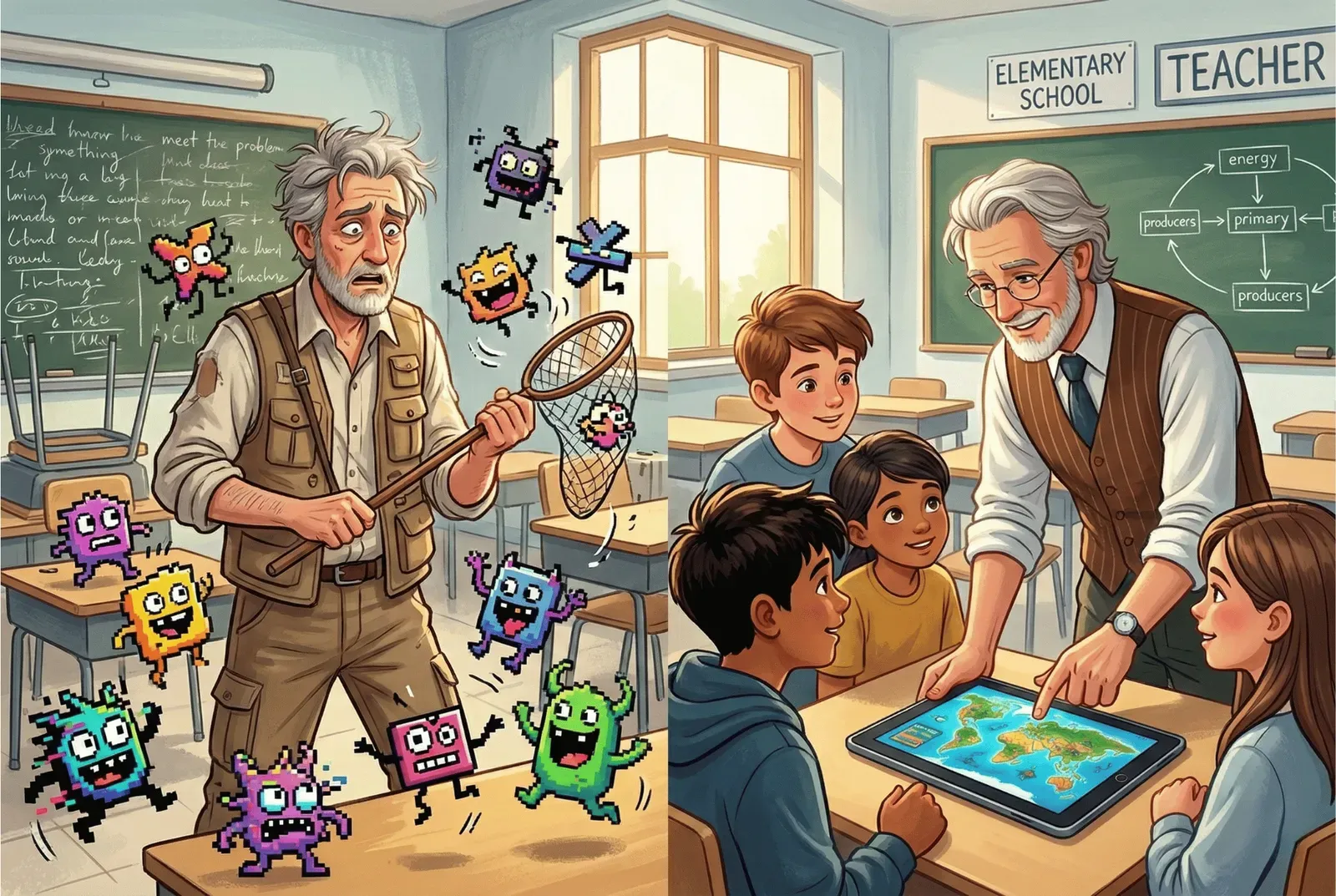
Many teachers are ditching Blooket in favor of versatile, immersive learning. Blooket alternatives allow teachers to be teachers, instead of frazzled zookeepers. Strategic simulations and collaborative challenges require critical thinking instead of rapid-fire guesswork.
The World Beyond Blooket
For educators who want to get the job done, Blooket has its limits. Seemingly “fun” chaos and screaming rarely lead to the collaboration or deep thinking that students need. The goal should be more than just clicking faster than other students. Teachers are realizing that engagement pays off when students have to think.
Once you stop chasing dopamine hits, you can choose tools that support different learning styles. Not all kids want to seek revenge over digital robbery, and you may even risk alienating students in over-reliance on games like Blooket. Interactive platforms, when used right, can turn from distractions into bridges for all kinds of students.
Technology has more potential than zoo-mongering. Exploring better alternatives for your classroom will help redirect students’ attention from the scoreboard to the joy of learning.
Features to Consider in a Blooket Alternative
A good Blooket alternative should offer interactive learning beyond basic quizzes. Look for platforms that encourage collaboration between students, instead of creating contention.
Unfortunately, most teacher budgets are zero. The good news is that many Blooket alternatives are entirely free or offer a generous free trial. Before asking for the department credit card, test the full range of game mechanics with your class. And make sure that those mechanics actually support learning. If a student is too busy trying to cheat for the right answer to sabotage points, the game has pulled their attention off the lesson you want them to learn.
Pay attention to the data and analytics offered. The best games offer a dashboard to track student growth over time. If you get individual data on each student, you can see who needs your help and who is improving.
Improve Learning Outcomes by Swapping out Blooket
Alternatives to Blooket can do more than simply teach students the easy task of identifying vocabulary terms. Bringing Webb’s Depth of Knowledge (DOK) framework into the classroom means pushing students to think creatively and consider how each new lesson builds on the last. Webb’s DOK model values reflection and reasoning over being the quickest to click an answer on the computer.
You have already laid the foundation and taught your students the basic vocabulary, given them a simple equation, or read a new story together. For Blooket, this base knowledge is enough. Students can win without any deeper thinking. The power of leaderboards and gamification is lost with Blooket.
So, what’s our criteria? Below, we’ve gathered 10 Blooket alternatives that can help you improve engagement, teach collaboration, and prioritize learning via gamification. And no, Kahoot! isn’t even on this list (you can read here for our opinion on Kahoot!).
Top Blooket Alternatives for Classrooms and Beyond
1. Mission.io
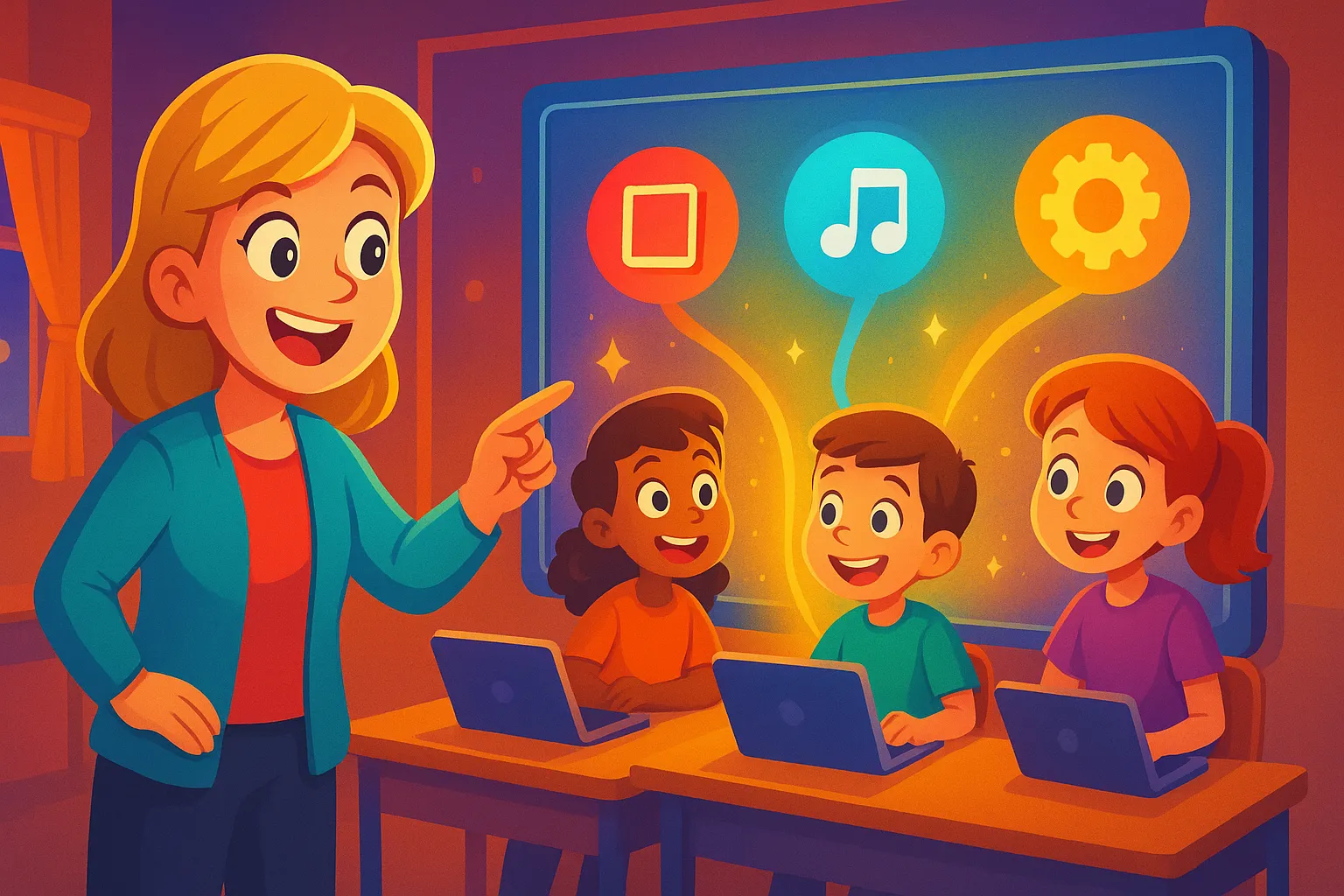
Mission.io makes Missions: teacher-led, whole-class simulations where your classroom becomes Mission Control and students work through a real problem together using what they just learned. Its Mission Library lets you pick one built from the unit you’re already teaching, so the class moves past basic quizzes into real learning.
The beauty of a Mission is that it not only invites but requires deeper thinking to succeed. Missions give kids the chance to prove what they learned in class by using it. Nobody gets through alone, so students have to talk, listen, and work it out together, and every student gets a report on how well they did. And the best part? Setup is simple (hello, one code on the board and a 5-minute Teacher Preview!). The Mission carries the story; you lead the thinking. This is the ideal choice for teachers who want class to feel like an event while still getting real learning out of it.

2. Wayground (formerly Quizizz)
Wayground is a flexible game-based platform that focuses on adaptive quizzes. It adjusts question difficulty based on student performance, which is great for classrooms where everyone is at a different level. Subjects run from algebra to reading, so it’s a solid choice for differentiated instruction.
If you don’t use the team modes well, it can still feel a bit like a standard digital quiz. While it is excellent for review and practice, it requires the teacher to be active in the setup to ensure it doesn’t just become another quiet “heads-down” activity. Use it when you want to adjust to student needs without redoing an entire lesson plan.
3. Slides With Friends
Slides With Friends is an interactive presentation tool that is built to encourage student voice. Features like word clouds, photo sharing, and polls get the whole room involved. That pulls students out of the “individual bubble” of most ed-tech, and it works well for both in-person and virtual settings.
Because it is designed for presentations, it is not the best tool for high-speed drilling or competitive racing. It is better suited for small-group activities, team-building, and getting students to reflect on what they have learned. It is a good pick if you want to see students light up rather than glaze over.
4. Baamboozle
Baamboozle is a lifesaver for classrooms that do not have individual devices for every student. You only need one screen, which keeps the energy focused on the front of the room. The draw is its simplicity. Students have to actually talk to each other and shout out answers, which brings back the social side of learning.
It is also very lo-fi. You won’t find fancy animations or complex video game mechanics here. It is definitely geared toward younger students and quick checks for understanding. It is a perfect alternative when you want the class to look at each other instead of staring at their own screens.
5. Quizlet
For pure retrieval practice and self-study, Quizlet is hard to beat. Where it shines most is helping students with vocabulary, equations, and test prep through flashcards and spaced repetition. It allows students to take charge of their own learning by creating their own study sets.
On the negative side, not all of the best features are free anymore, and it can feel more like “work” than a game. It is ideal for homework or quiet study periods, but it might not provide the high-energy “event” feeling that a full-class game offers. It is a reliable tool for any subject, provided you are looking for focus rather than a party atmosphere.
6. Mentimeter
Mentimeter is a sleek, professional platform that excels at interactive presentations. It handles anonymity well, which makes it perfect for older students who might be too shy to speak up. You can use it for live polls and Q&A sessions where students can share thoughts without the pressure of being called on.
It isn’t a “game” in the traditional sense, though. If you are looking for leaderboards or avatars to motivate a rowdy group, Mentimeter will feel a bit too much like a business meeting. Use this for deeper discussions and open-ended questions where you want students to take their time crafting a response.
7. Gimkit
Gimkit was designed by a high school student, and its best feature is strategy-heavy gameplay. Students earn in-game currency for correct answers, which they can spend on power-ups and upgrades. The “Smart Repetition” feature is great for reinforcing concepts that students have missed in previous rounds.
If the competition gets out of hand, it can become just as intense as Blooket. Sometimes students focus more on the “money” and the upgrades than on the actual questions. It is a powerful tool for formative assessment, but you have to keep an eye on the energy levels to make sure the learning doesn’t get buried.
8. Pear Deck
Pear Deck’s biggest advantage is that it is an add-on for Google Slides. It turns a standard lecture into an interactive experience where kids can draw, drag icons, and answer questions in real time. It is fantastic for getting 100% participation without needing to switch to a whole new website.
It is also definitely “schooly.” There are no competitive leaderboards or high-score chases here, so it might not hook students who are only motivated by winning. It is a tool for engagement and instant feedback, not for high-stakes gaming.
9. Factile
Factile is a Jeopardy-style platform that is perfect for team-based review. The game-show format is familiar, and you can customize games for any subject. It is excellent for big exam prep sessions where you want to see students collaborate and compete in a structured way.
The catch is that the Jeopardy format can be slow. Since only one team can answer at a time, you have to be careful that the other students do not check out while they wait for their turn. It works best when you have a high-energy moderator to keep the game moving and the “buzzing in” fair.
10. Socrative
Socrative is the more “grown-up” version of a classroom quiz tool. It has a clean, professional interface and a focus on serious formative assessment. It offers a “Space Race” mode, which adds a bit of competitive fun, but the main goal here is getting clear data on what students actually know. It even allows for exit tickets and short-answer questions that you can grade on the fly.
On the other hand, it completely lacks the bells and whistles of a platform like Blooket. There are no avatars, no shops, and no gold-stealing mechanics. If you have a class that needs heavy gamification to stay awake, Socrative might feel a bit dry. It is a tool for teachers who are tired of controlling the “animalistic rage” of a digital playground.
Best Practices for Using Gamified Technology

No matter which platform you choose, success depends on how you set the stage. Before you even hit “start,” set clear expectations for how students should participate and collaborate. When students know the standards for behavior and teamwork upfront, they are less likely to spiral into a frenzy. Using tools (like Mission.io) allows you to adjust your teaching on the fly based on what the class actually needs, informed by actual data.
One of the best ways to keep things fresh is to mix and match different tools. You might use Factile for a high-energy competition to review math facts, then transition into a Mission.io Mission to see how those numbers apply to a real-world scenario. Don’t be afraid to take advantage of free plans to see what sticks. Mission.io’s free account opens every Mission for your first 30 days, and it never expires. Other platforms like Wayground and Baamboozle also have solid free versions that let you get a feel for the mechanics without spending a dime.
Finally, remember that these platforms are here to support you, not replace you. Take a few minutes to read through your lesson plans so you can lead the discussion and reflection yourself. Technology should do the heavy lifting of organization and grading so that you have more energy to give your students the attention they deserve. When you facilitate the conversation before and after a game, it shows your students that you care about their growth. That turns a simple computer activity into a meaningful experience.
Which Witch?
Hopefully, this run-down will help you match some of these tools to the needs of your students. Technology can lighten the load on teachers and make learning unforgettable. Prioritize platforms that you think will have the most impact on the education of your students.
The right tools give you the power to take a field trip every day, without ever leaving the classroom. Now, go and play!