FACULTY MISSIONS

Staff meetings your teachers will actually talk about.

Two free Missions for staff meetings: a team-building icebreaker for back to school, and phishing training built to be remembered.

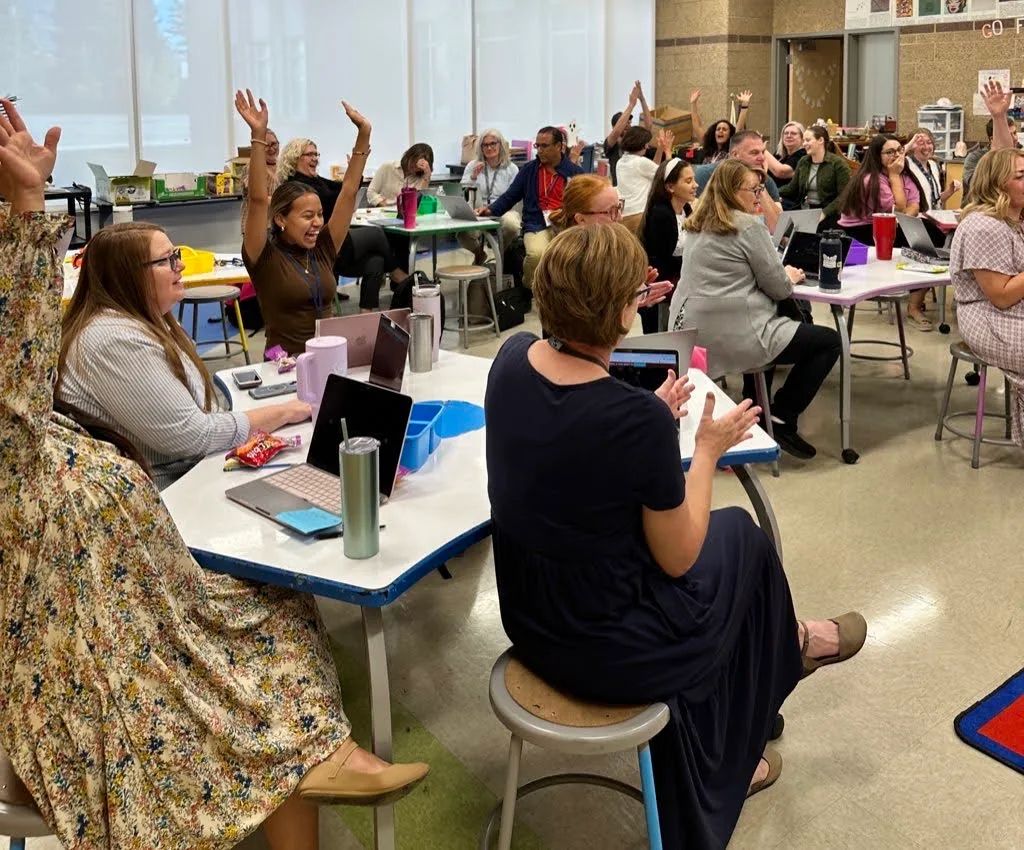
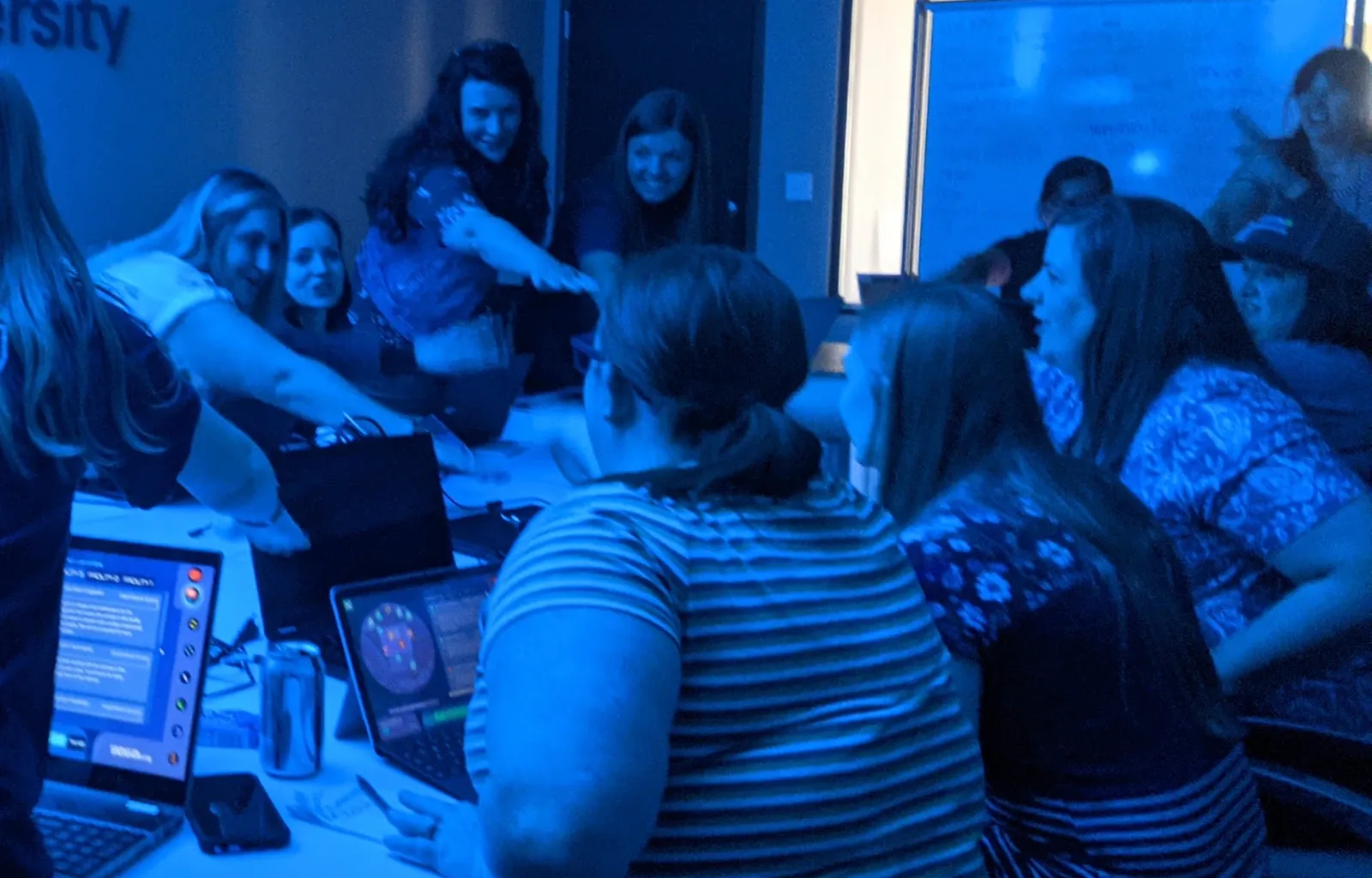
A full staff room of teachers at their laptops, several cheering with hands in the air.
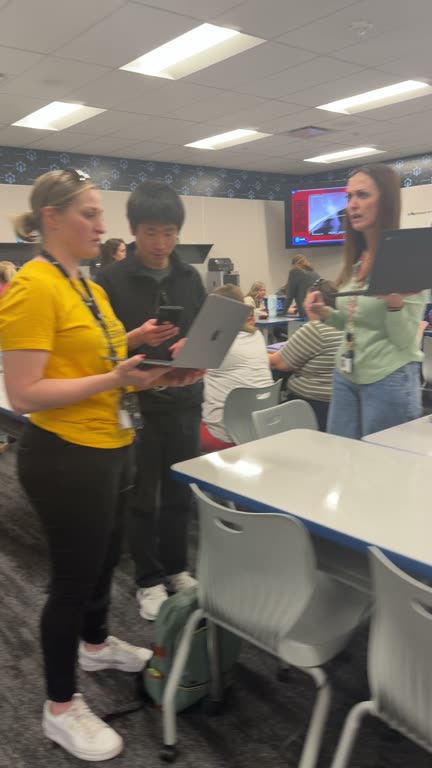
Teachers on their feet with laptops in hand, mid-Mission.
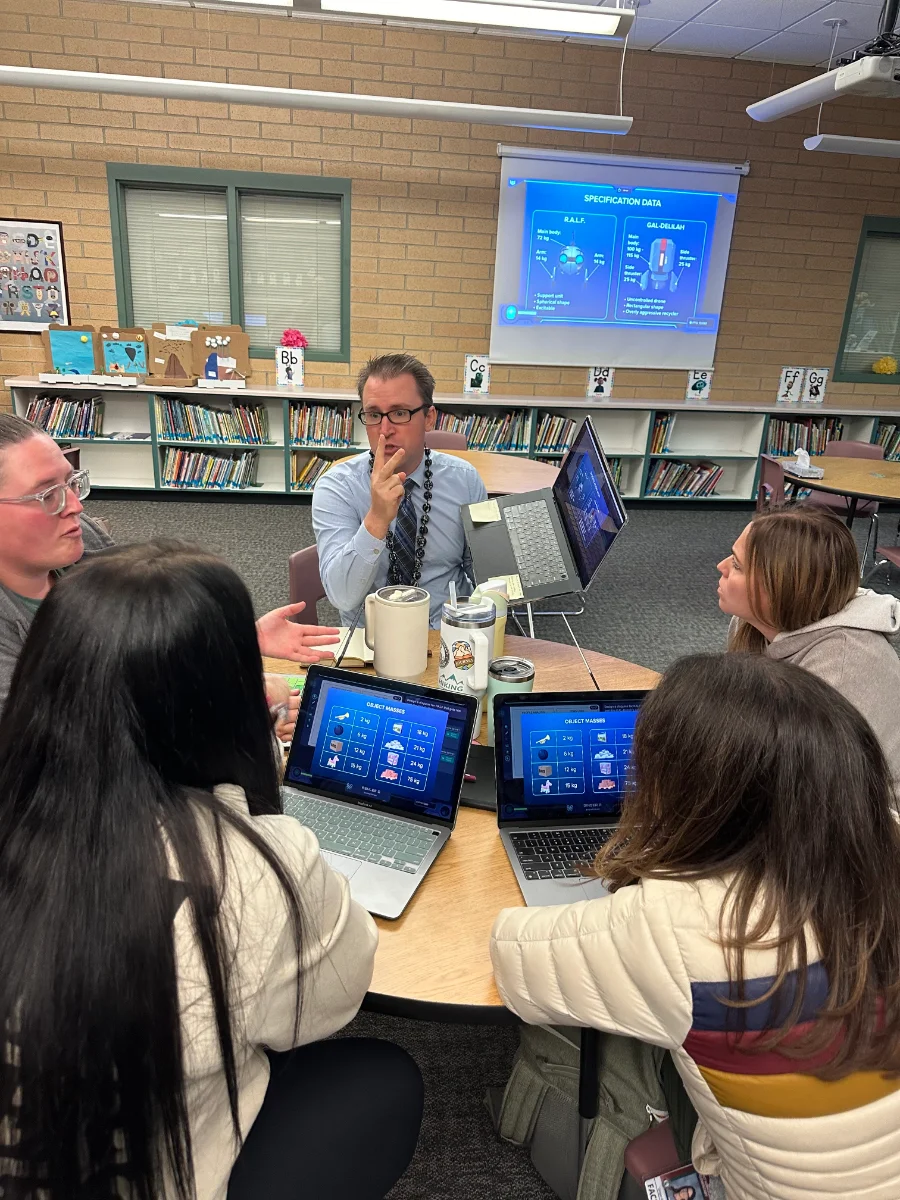
A teacher mid-sentence at a library table while colleagues work the Mission on their laptops.
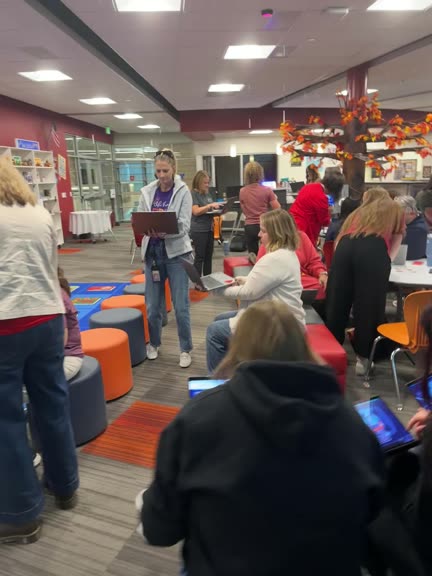
A library full of teachers working a Mission on their laptops.
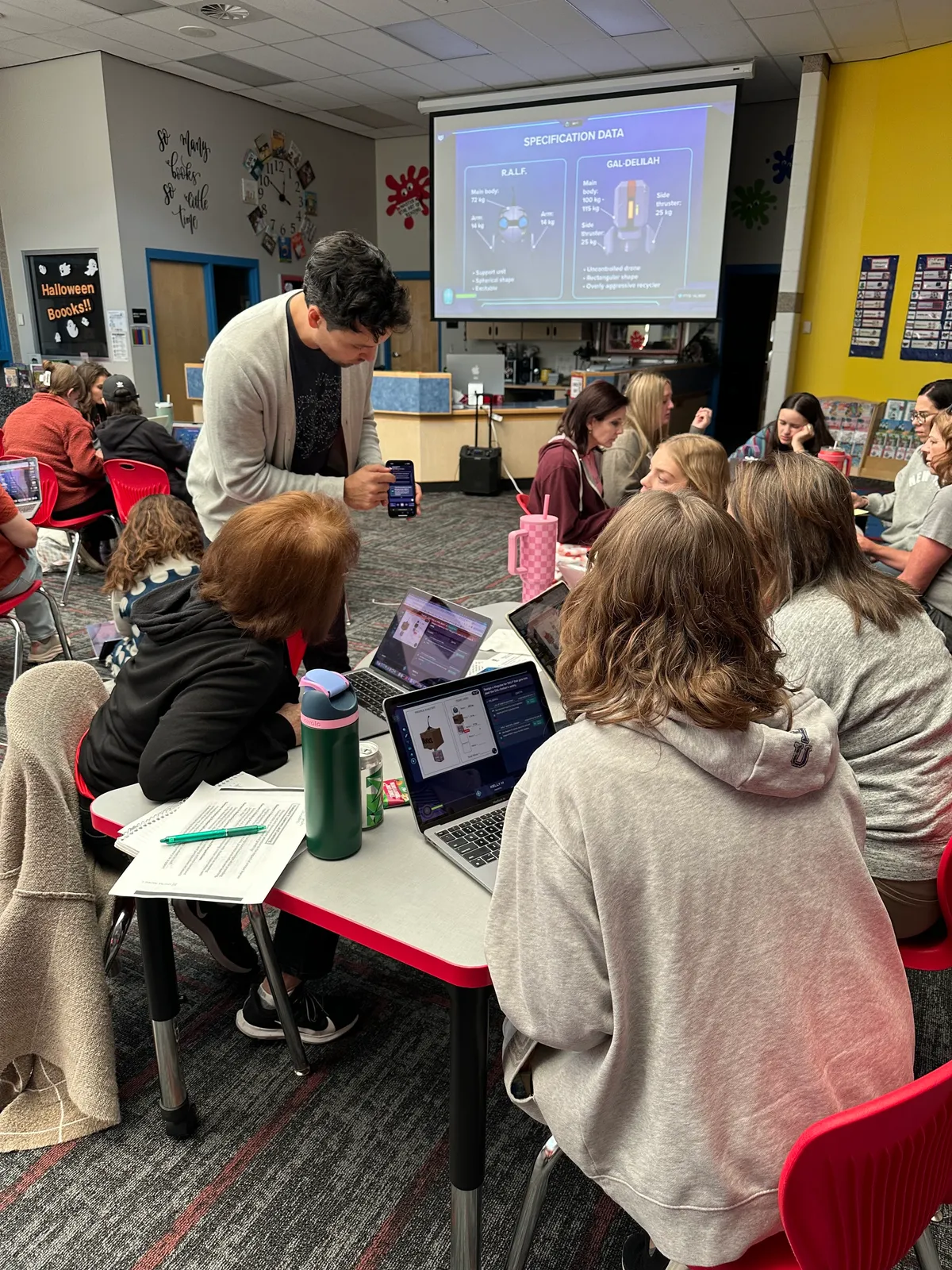
A facilitator leans in to help a table of teachers as the Mission’s data shows on the projector.
Teachers lean across a table toward one another, laughing over a decision, their laptops lit with the Mission.

Two free team-building Missions for staff meetings.

One to kick off the year, one to bring your staff back together mid-year. Each fits inside a staff meeting.

Faculty Mission 1

Team building and the icebreaker

The Communication Mission

30 minutes · Six or more · Back to school

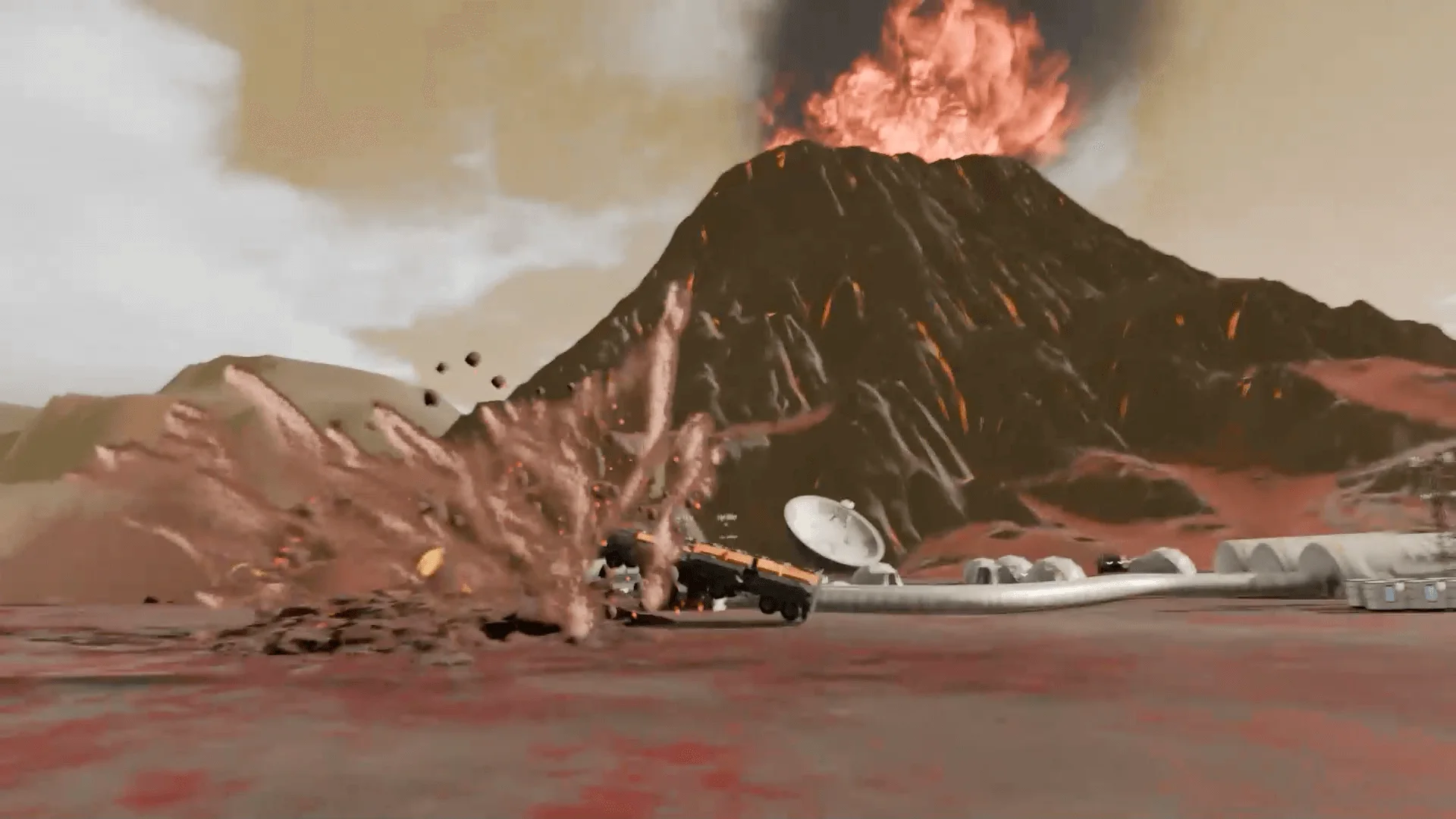
Your staff becomes a crew racing to evacuate a planet before a volcano erupts.

  • Mixes departments into crews
  • Everyone talks, everyone decides
  • Any teacher can run it with students the next day
See how it runs ↓

Faculty Mission 2

Data privacy and anti-phishing

Firewall Down

About 40 minutes · Six or more · Mid-year

Your staff guards a command center while the firewalls are down, sorting real messages from fakes.

  • The fakes that actually land in a teacher’s inbox
  • Every person practices the call
  • Great for team building
See how it runs ↓

Faculty Mission 1 · The Communication Mission

The staff icebreaker that retires two truths and a lie.

It’s built to be a class’s first Mission, so it works the same way on a staff: crews mixed across grades and departments, one volcano, 30 minutes to get everyone out.

The Mission’s briefing: a volcano erupts over a small colony of domes and a radar dish on a red planet.

Nobody here has evacuated a planet. Everyone has an opinion on the route anyway.

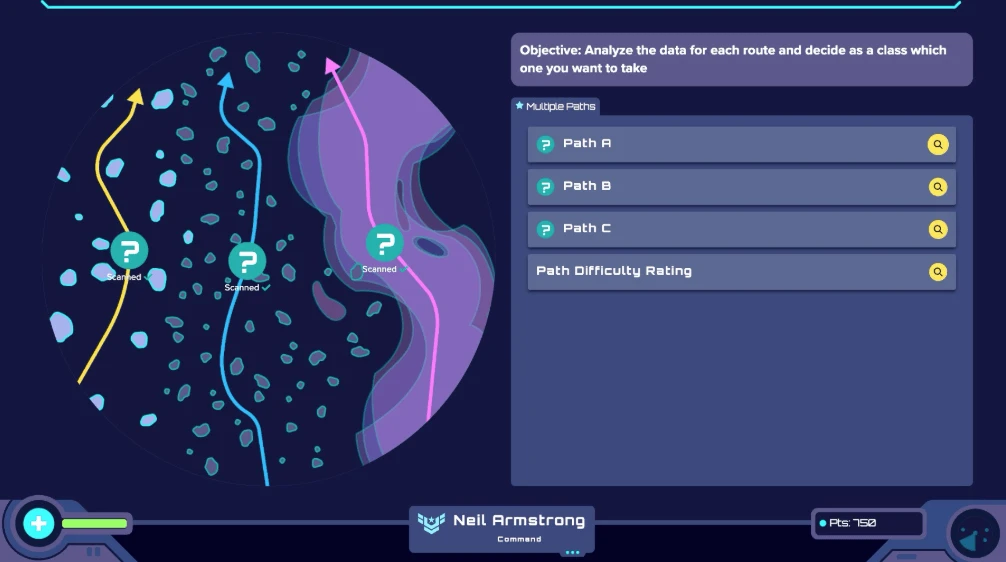
The crew’s screen: three routes drawn through an asteroid field, Path A, B, and C, with the objective to analyze each route and decide as a class.

You already know who’ll grab the controls.

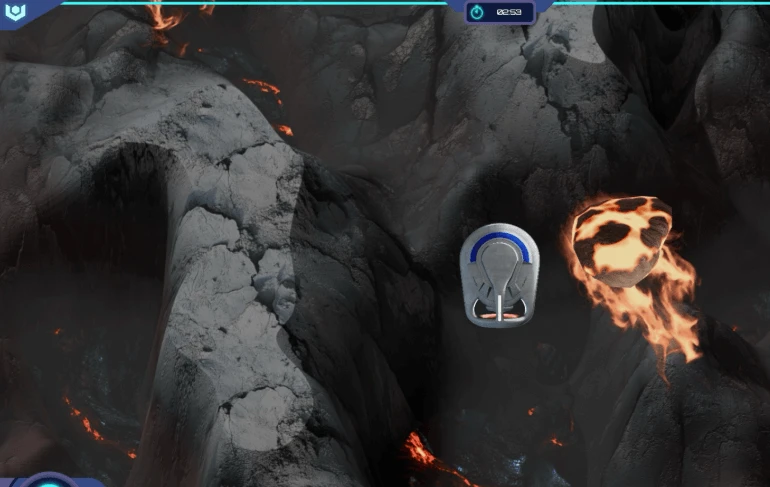
The ship weaves between dark rock walls as a burning boulder falls beside it.

This is the part where the room gets loud.

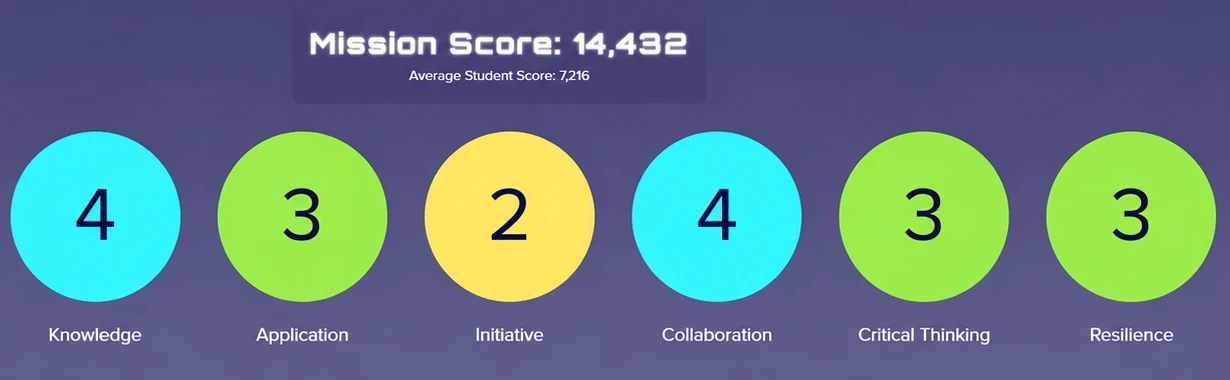
The end-of-Mission screen: a Mission score, then scores from 1 to 4 in knowledge, application, initiative, collaboration, critical thinking, and resilience.

Expect at least one crew to ask for a rematch.

  1. Briefing

    The Mission’s briefing: a volcano erupts over a small colony of domes and a radar dish on a red planet.

    A volcano is about to erupt on a nearby planet. Your crew reads the data, picks a route, repairs the ship, beams the colonists aboard, and gets out before the eruption cuts off escape.

    Nobody here has evacuated a planet. Everyone has an opinion on the route anyway.

  2. Decision point

    The crew’s screen: three routes drawn through an asteroid field, Path A, B, and C, with the objective to analyze each route and decide as a class.

    It teaches a group how to work as a crew before the content gets hard: who talks, who listens, how a team makes a call. Every Mission after it starts from there.

    You already know who’ll grab the controls.

  3. The escape

    The ship weaves between dark rock walls as a burning boulder falls beside it.

    This is the part where the room gets loud.

    “Having to navigate the ship together and then work together to make repairs had them up, moving around, and speaking to other students that they would never choose to interact with otherwise.”
    Kimberly Neumann, Eastside Connections School
  4. The scores

    The end-of-Mission screen: a Mission score, then scores from 1 to 4 in knowledge, application, initiative, collaboration, critical thinking, and resilience.

    When it ends, the scores come up on the big screen: how the crew did, skill by skill.

    Built in, ready to run:

    • The 5-minute Teacher Preview
    • An intro mini lesson, with slides and a video
    • Printable team nameplates
    • A Mission journal

    Expect at least one crew to ask for a rematch.

Run it at your next staff meeting

  1. PrepWatch the 5-minute Teacher Preview.
  2. LaunchPut the code on the screen. Everyone goes to mission.io and enters it.
  3. RoomA device per person, a projector or TV, speakers. Only you need an account.
SEE THE MISSION

Need a hand setting it up? We’re happy to hop on a quick call.TALK TO US →

Faculty Mission 2 · Firewall Down

Phishing training for schools, built to be remembered.

The faculty Mission districts and principals bring us in to run most. Your staff is the last line of defense while the firewalls are down, sorting real messages from fakes and defending every call.

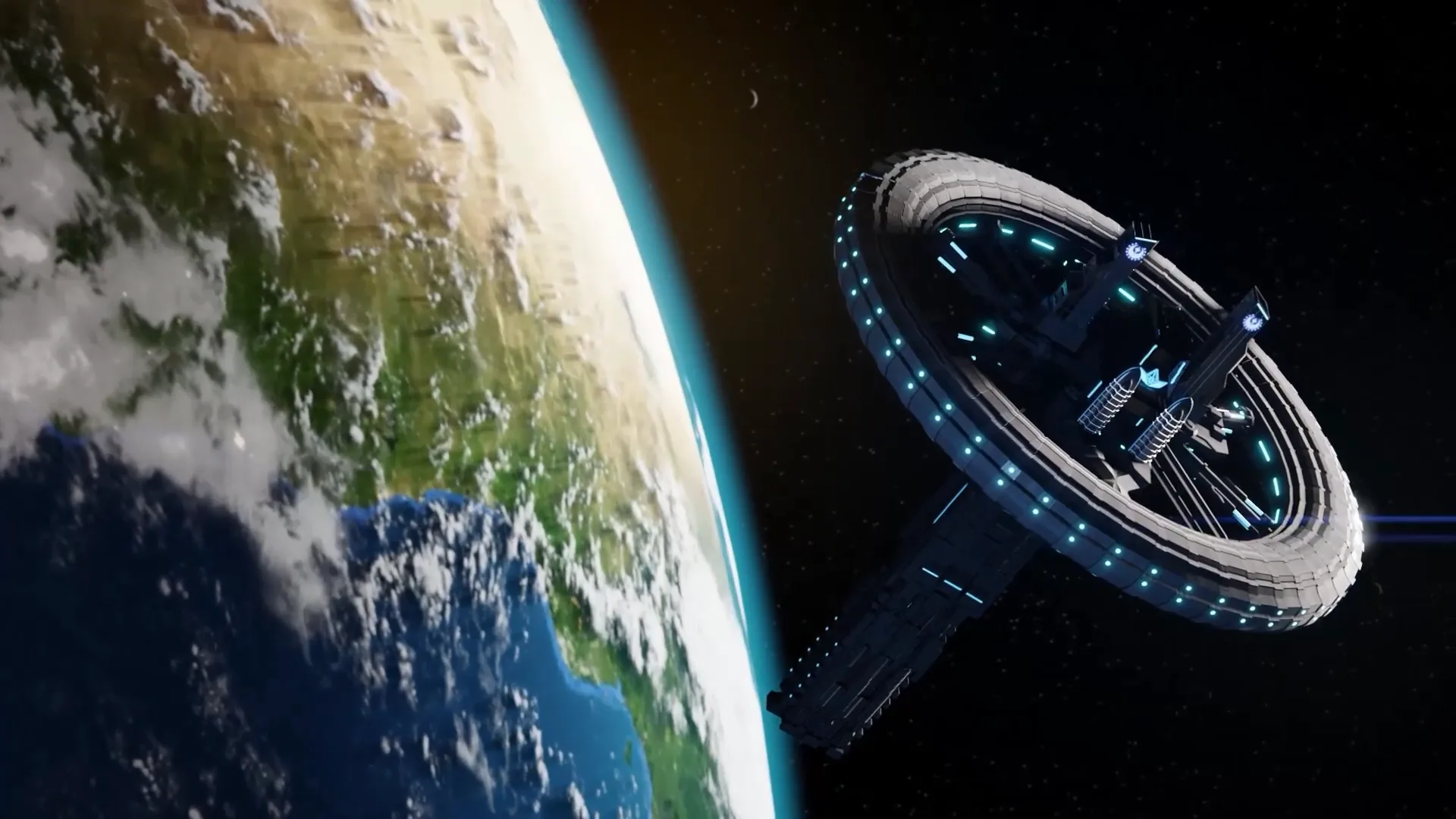
The planetary defense station the crew runs, in orbit above a blue and green planet.

Nobody has ever leaned in to module seven.

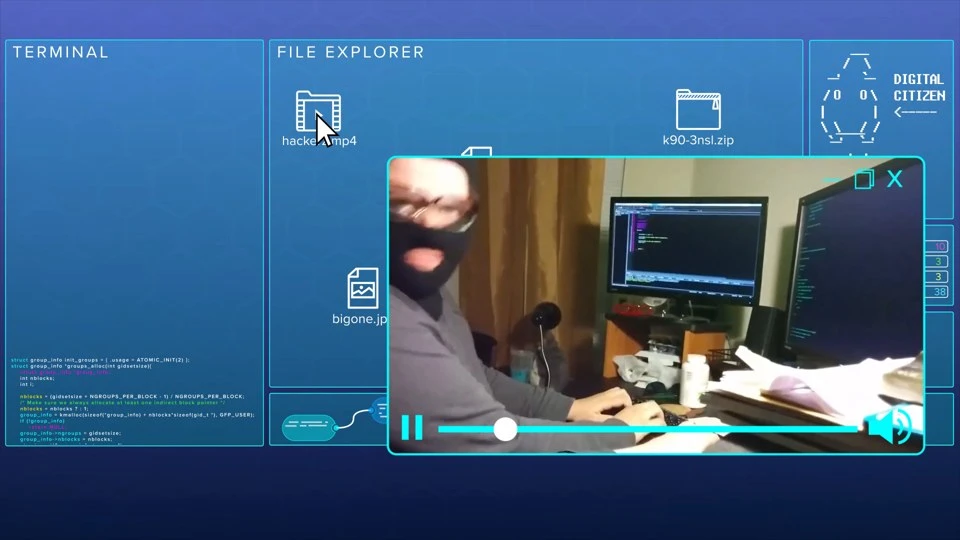
A hacker in a ski mask at his keyboard, on a video feed inside the command center’s screens.

Somewhere, a fake principal is still waiting on those gift cards.

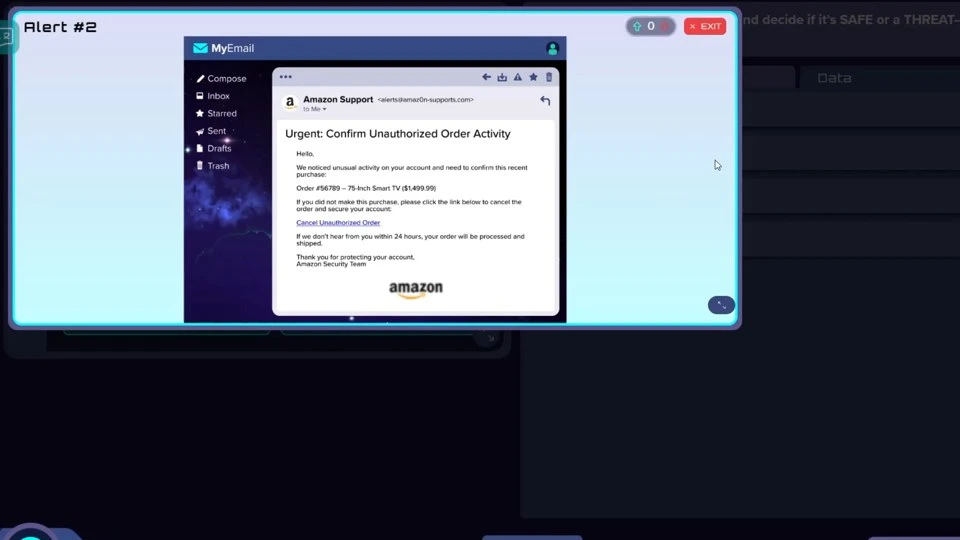
An alert on the crew’s screen: an email claiming to be order support, which the team must call SAFE or THREAT.

Expect one very convincing email to split the room.

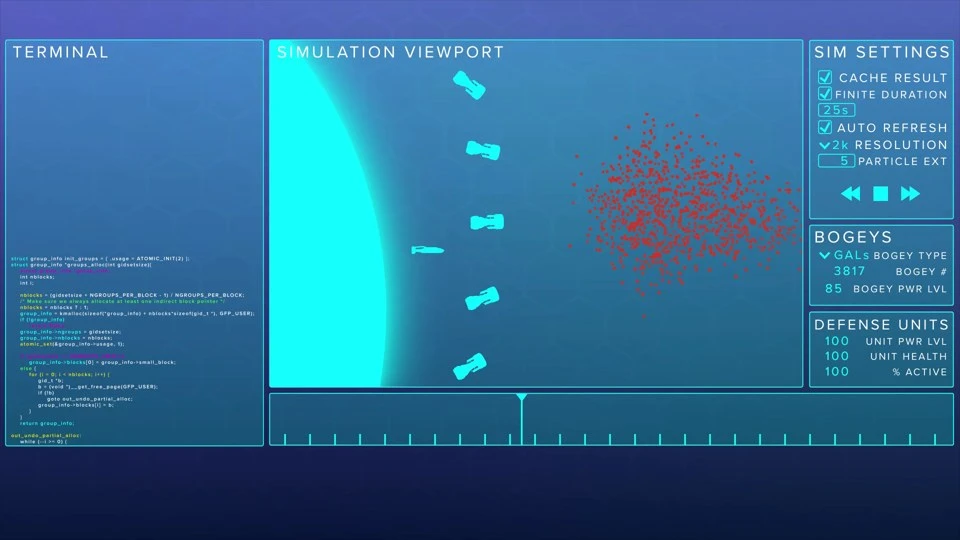
The simulation viewport: a line of defense units facing a swarm of incoming bogeys.
  1. Briefing

    The planetary defense station the crew runs, in orbit above a blue and green planet.

    Your staff crews a planetary defense command center. The firewalls are dropping, and the crew learns who’s standing between the hackers and the system: them.

    Nobody has ever leaned in to module seven.

  2. Crash course

    A hacker in a ski mask at his keyboard, on a video feed inside the command center’s screens.

    How phishing works, why it works, and S.T.O.P.: Sender, Too much, Odd, Pause. Then teams pick apart the fakes that actually land in a teacher’s inbox: a direct-deposit change, an “IT password reset,” a gift-card ask from “the principal.”

    Somewhere, a fake principal is still waiting on those gift cards.

  3. Firewall down

    An alert on the crew’s screen: an email claiming to be order support, which the team must call SAFE or THREAT.

    The alerts pour in. Each team sorts every one as SAFE or THREAT and writes down why.

    Then, team by team, on the big screen, everyone defends their calls while you score them against the built-in rubric.

    Expect one very convincing email to split the room.

  4. The finale

    The simulation viewport: a line of defense units facing a swarm of incoming bogeys.

    Catch enough and the defenses hold against a robot invasion. Miss too many and the system falls. Either ending makes the point.

    The line your staff will keep:

    “Did you S.T.O.P.?”

The research

A 2025 study followed employees at a large healthcare organization: people who had just finished their annual training did no better on simulated phishing than people more than a year past it. Firewall Down has every person practice the call instead.

Ho et al., “Understanding the Efficacy of Phishing Training in Practice,” IEEE Symposium on Security and Privacy, 2025. Firewall Down is built on the same industry practices security teams train with.

Run it at your next staff meeting

  1. PrepWatch the 5-minute Teacher Preview.
  2. LaunchPut the code on the screen. Everyone goes to mission.io and enters it.
  3. RoomA device per person, a projector or TV, speakers. Only you need an account.
SEE THE MISSION

Need a hand setting it up? We’re happy to hop on a quick call.TALK TO US →

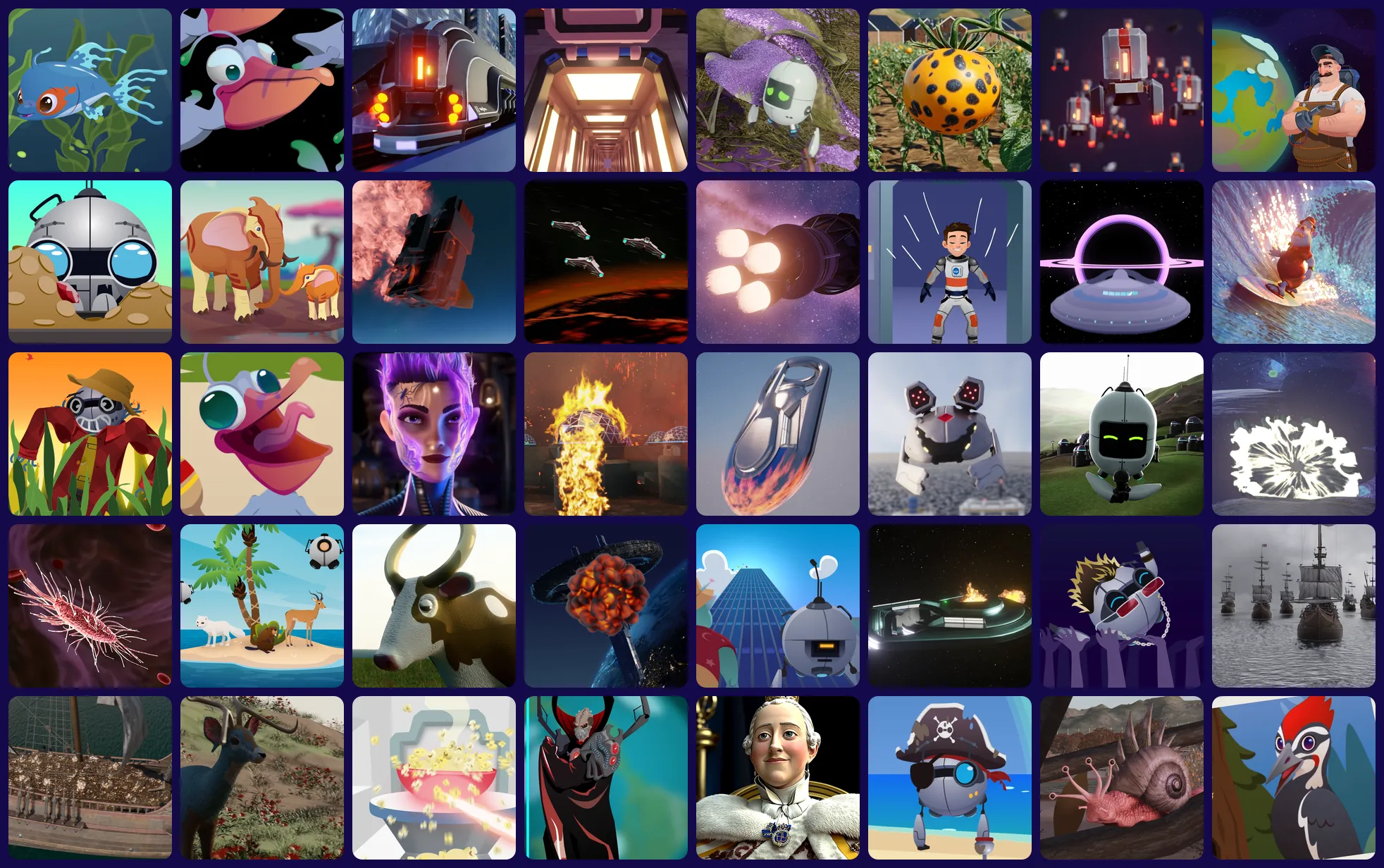
Or run any Mission in the library.

It’s a popular way to model the teaching behind active learning, because a Mission makes those moments happen on its own. Create a free account anytime and run any of 100+.

Finally, a fair test of whether your staff is smarter than a fifth grader.

Your staff is the most powerful technology in the room.

That’s why both Missions are free. Teachers work one problem with colleagues outside their PLC, using the same human skills a Mission asks of students: collaboration, critical thinking, initiative, and resilience.

Heaven forbid you solve a problem with someone outside your grade-level PLC.

“Half our staff walked in a little hesitant, and within minutes they were laughing, joking, and working together like a crew on a real mission. It was the best start to the year we’ve had.”
James Ortiz, Principal
“If you’ve never tried a Mission.io faculty mission, do it. Your team will laugh, work together, and walk away knowing exactly why this works so well with students.”
Melissa Brooks, Instructional Coach
“I couldn’t believe how much fun we had and how quickly everyone got into it. It takes less than an hour and is the perfect way to break up a long day of PD.”
Marcus Manwaring, Principal

Rolling it out district-wide? We’ll train your team.

Book a time with us and we’ll walk your technology team through Firewall Down, or any Mission, so they can run it in every building. Free, no license needed.

“The platform is intuitive and easy to implement, and the support team is always ready to assist.”
Lauralee Ward, Coach, Alpine School District, UT

Got it.

We’ll reach out within one school day to find a time.

Required

Staff meeting questions, answered.

How long does a faculty Mission take?

Under an hour. Most run 30 to 40 minutes, plus setup and a few minutes to talk it through afterward.

What does it cost?

Nothing. Faculty Missions are free, and so is any help you need setting one up.

Does phishing training work?

The 2025 study in the Firewall Down section above found that people fresh from their annual training did no better on simulated phishing. Firewall Down has every person practice the call, as part of a team.

Does everyone need an account?

No. Only the person running it. Everyone else joins the same way students do, with the code on the screen.

What do we need in the room?

A device with a browser for every person, a computer connected to a projector or TV, and speakers loud enough for the story.

How many people can play?

There’s no real limit. Missions are built for big groups, and they get better the more people you have. Six or more is plenty to start. Teams are assigned at random, or you can set them ahead of time.

Does it really work with adults?

It does. The story is built for students, which is exactly why a room full of adults leans in. Expect laughing, arguing, and at least one person who takes it very seriously.

Can we run a different Mission with our staff?

Yes. Running one with your science team? Pick the Mission for the unit you teach next, and your team plays it before their students do. EXPLORE THE LIBRARY →

Can teachers run it with students afterward?

Yes. Create a free teacher account and run the Communication Mission, or any Mission in the library, with your class. Ran Firewall Down? Cyber Defense Force is the student version.

Your staff first. Then every class.

Free for teachers, 5 minutes of prep, and nobody’s answering email during this one.