
FOR TEACHERS
Thirty students, one crisis, and everything you just taught.
A Mission gives your lesson somewhere to go: a teacher-led, whole-class simulation built on the standards you’re teaching.
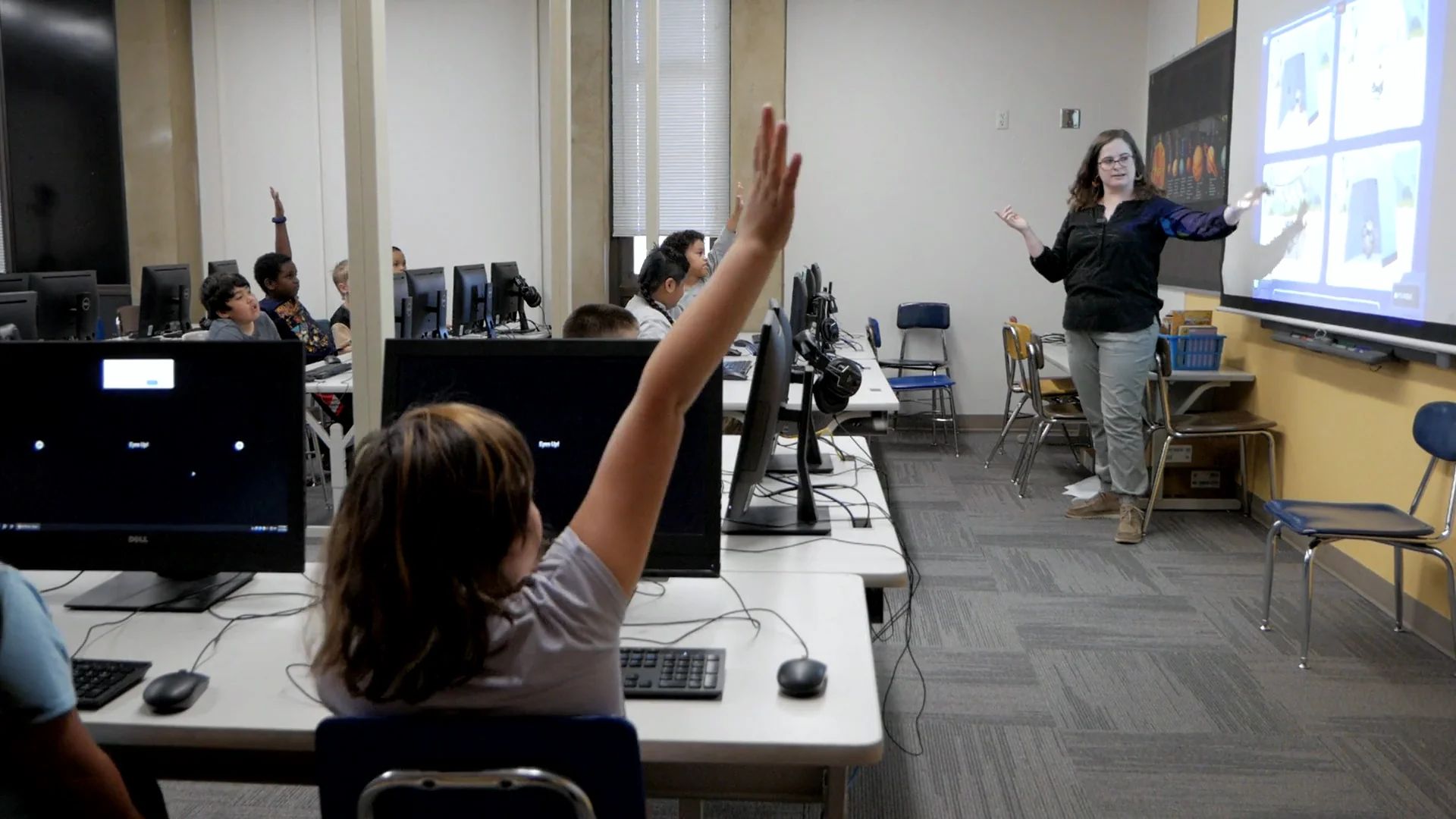
You shouldn’t be the only one putting in the effort.
You put two weeks of your best teaching into this unit, and it still ends in a worksheet. That’s not on you, and your lesson isn’t the problem. Your class needs a reason to care.
Thirty-one people in the room. One of them is doing all the heavy lifting. It’s you.
Tell them they’ll need it. Then let them use it.
Pick the Mission that fits your unit and teach exactly what you planned, plus one sentence: “We’re going to need this in our Mission.” Nothing about the teaching changes.
The lesson becomes their preparation. The Mission is where they use it.
HOW IT WORKS
You’re at the helm, not on the hook.

The hard part is picking just one.
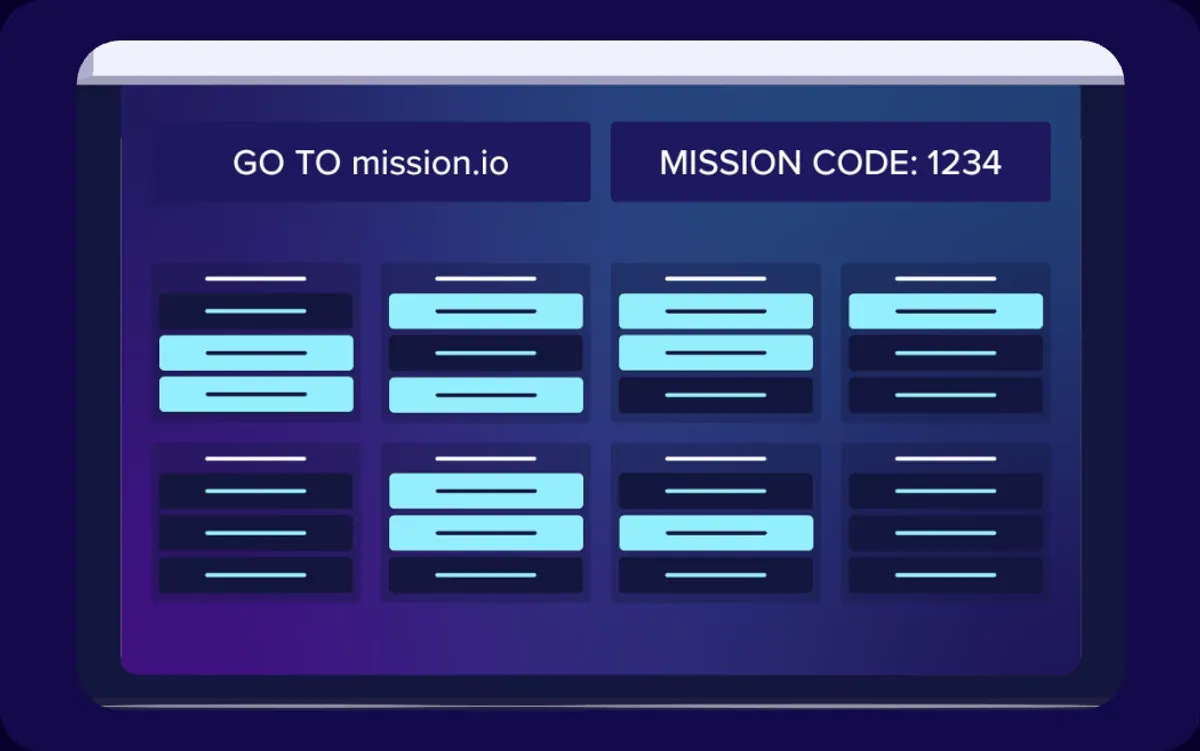

Nobody forgot their password, because nobody has one.
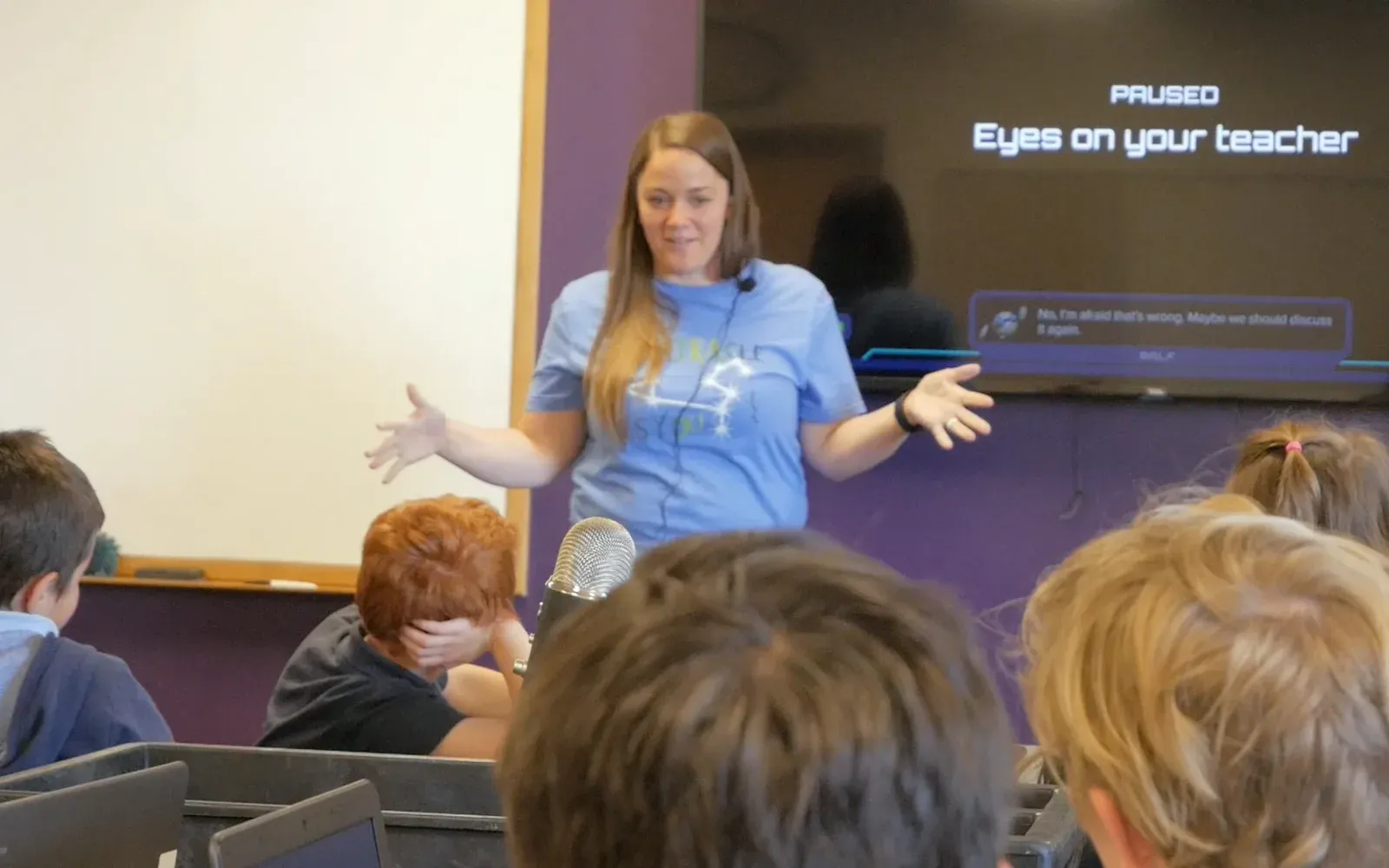
- 21 minutes in, you pause it and let two teams argue it out.
- You call for the decision.
- The room erupts.
One pause and the whole room turns to you. No light-flicking required.
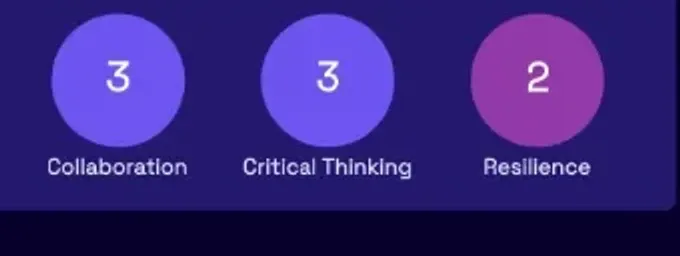
The test shows what they know. The report shows the rest.
Choose a Mission.
100+, built from units you already teach. Your only prep is the Mission’s 5-minute Teacher Preview: the crisis, the big decisions, and the moments worth pressing on.
EXPLORE THE LIBRARY →The hard part is picking just one.
Bring the class in.
Student viewOne code on the board. No student logins. Everyone’s in together, on any device.
Nobody forgot their password, because nobody has one.
“My kindergarten students also are able to enter the mission, find and work the controls, answer questions on their own...”
Charity Perry, Pony Express Elementary, UT Captain the learning.
- 21 minutes in, you pause it and let two teams argue it out.
- You call for the decision.
- The room erupts.
The Mission runs the story and the pacing, so you can teach: ask the hard questions, push for evidence, and coach students through the problems. You see every answer and can pause anytime.
One pause and the whole room turns to you. No light-flicking required.
“I even ran a mission during my annual TTESS observation and was marked ‘distinguished’ in almost every category...”
Julie Ward, Forbes Middle School, TX Find out who can use it.
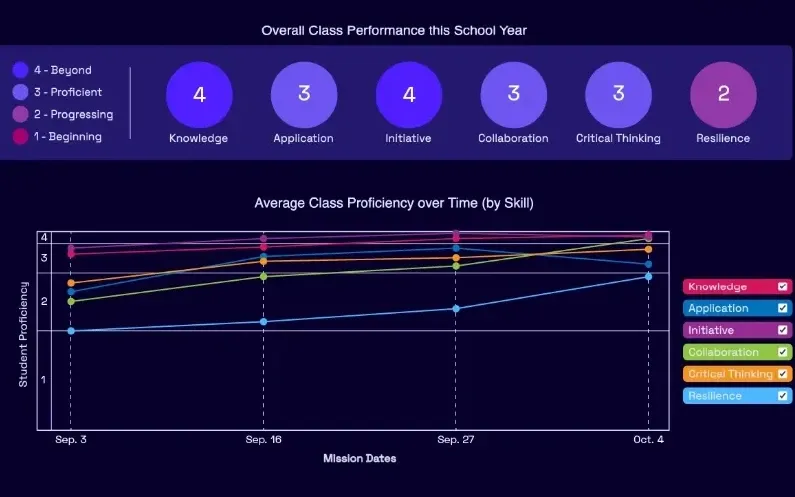
Nobody gets through a Mission alone. You’ll see who leads, who digs into the evidence, and who keeps going when the first plan fails. Every student gets a report on how well they did.
The test shows what they know. The report shows the rest.
“It allows [English Language Learners] to demonstrate their knowledge in a way that a traditional classroom setting struggles to provide.”
Carly Winslow, M. Lynn Bennion Elementary, Salt Lake City School District, UT
Will it work in my room?
Not required to start
Student loginsA credit cardA new curriculumYour weekend
Yes, it runs on the Chromebook with the sticky J key.
- Devices
- Any device: Chromebooks, tablets, or laptops, one per student.
- Time
- 30 to 45 minutes. Save it and pick it back up another day.
- Grades
- K through 8: science, math, ELA, and social studies.
- Setup
- One code on the board. No student logins.
- Cost
- Free forever, every feature and every report. Every Mission is open for your first 30 days, then a rotating set.
85% of teachers ran a second Mission within a couple of months.
Teacher reports. Spring 2026 Teacher Experience Survey, n = 101.
“I wasn’t sure about using this program in the beginning because I didn’t know if it would be easy to use and if the students would like it. But I was VERY wrong.”
Your first Mission takes 5 minutes to prep.
100+ Missions, K through 8, built from the standards you teach. Every Mission page has a guide and Teacher Preview, open before you sign up, so you can pick the one your unit points to.
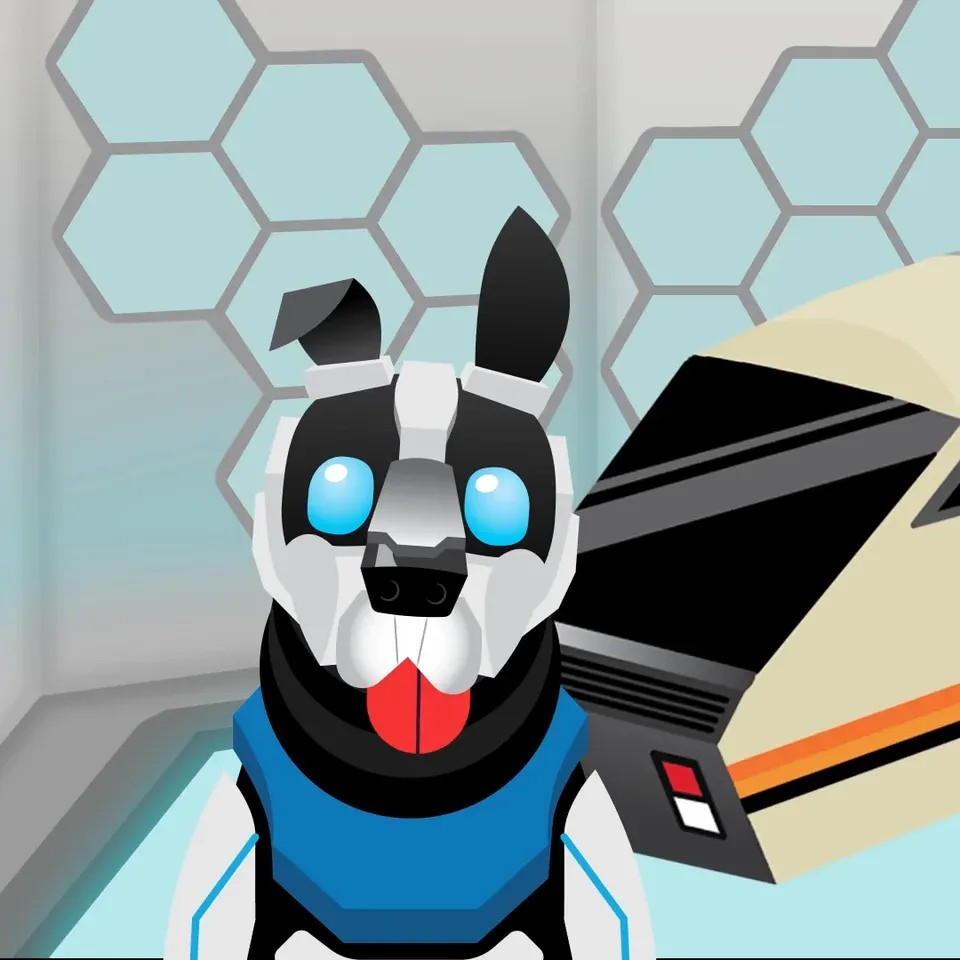


SPRING 2026 TEACHER SURVEY
Teachers say the same thing: they beg for another one.
90% of teachers rate their students highly or exceptionally engaged during a Mission. Field trips get 68%. And it’s there any day you want it: no bus, no permission slips.
Teacher ratings. Spring 2026 Teacher Experience Survey, n = 101.
Fair warning: teachers use a lot of capital letters.
“This is the only thing I’ve used in 24 years of teaching that I love just as much as my students do.”
Evelyn Fowles6th grade teacher OVER the MOON
“My 4th grade gifted students are, every pun intended, OVER the MOON for Mission.io! I have taught for 3 decades and this is hands down one of the most engaging, exciting, student centered experiences I have ever seen.”
Allison HorakPioneer Valley Elementary, Bethel ISD, WA 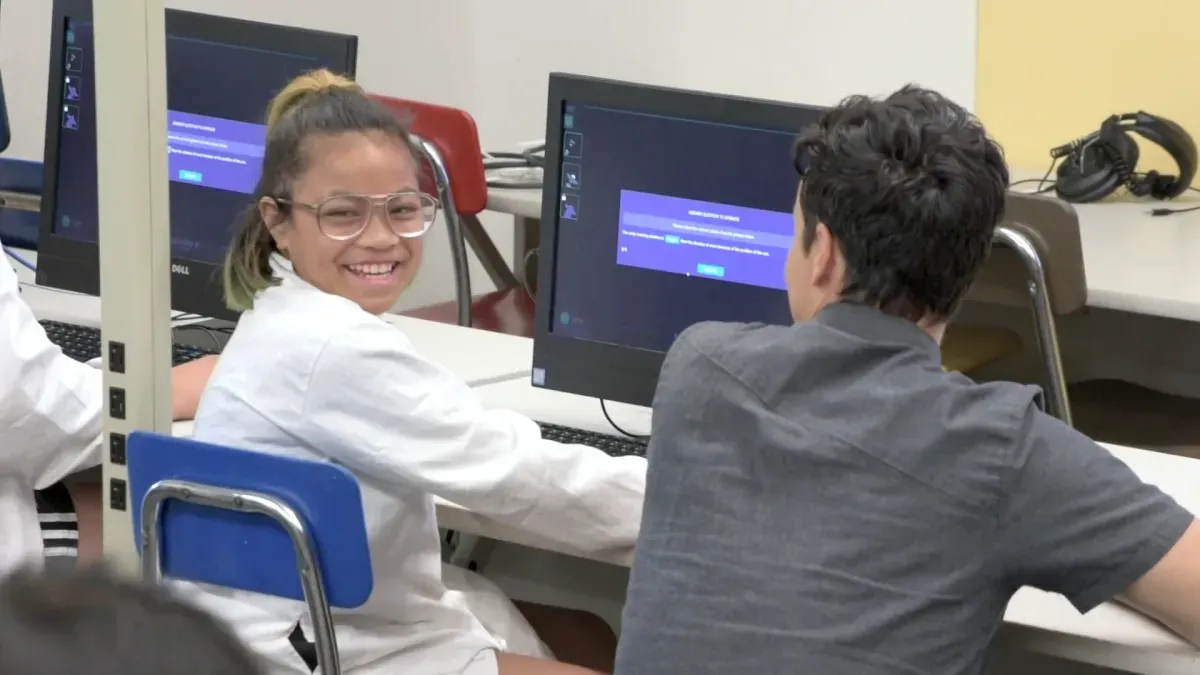
Beg to launch another
“It’s super engaging and collaborative. The kids absolutely love it and always beg to launch another Mission.”
4th-6th grade teacher, UTSpring 2026 Teacher Experience Survey They’d be furious.
“You can’t check your kid out when they have Mission Lab... They’d be furious.”
A parentCook Elementary School, UT 
Trick them into loving tests
“Students love ‘Mission Day’ and I’ve been able to effectively trick them into loving tests!”
Taylor Van SickleLakeridge Jr. High School, Alpine SD Have your back
“If you’re nervous about your proficiency with technology, Mission.io’s team will have your back as a teacher. They’re 100% invested in you and your class having a positive experience!”
Cara HansenBelmont Elementary, Alpine SD, UT 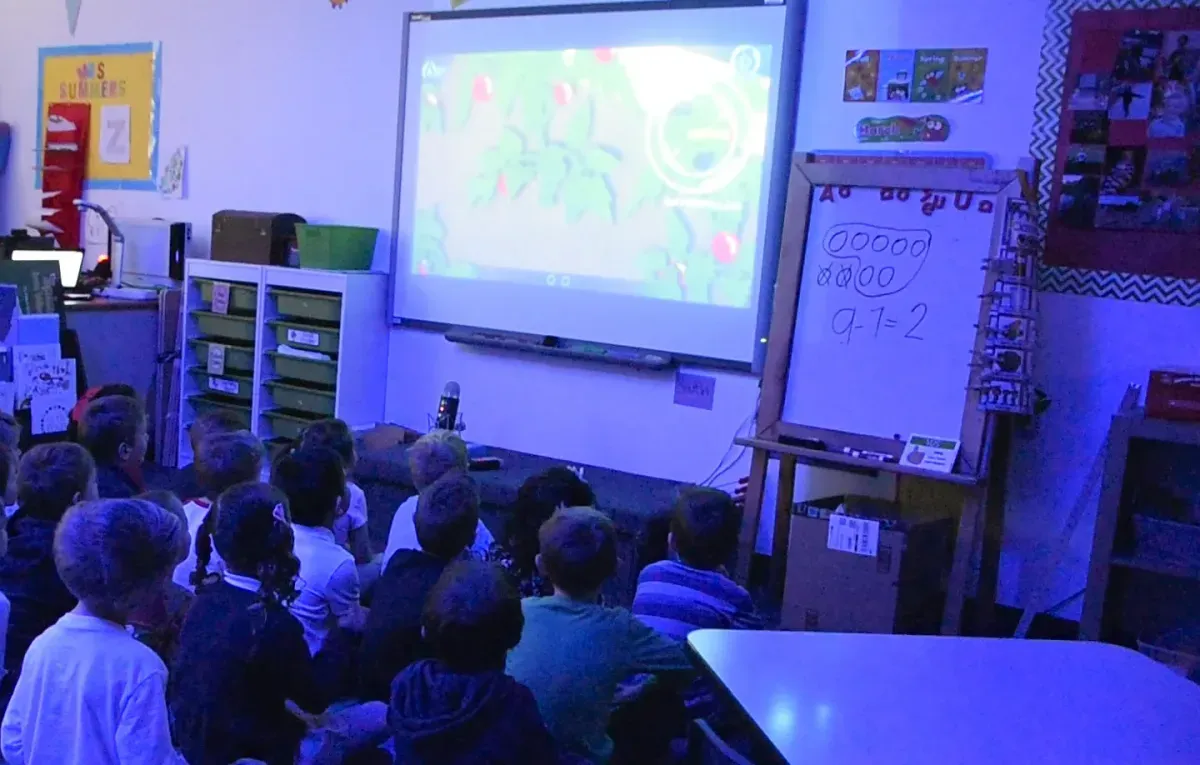
And for the p-value people in the room.
In an independent study of 1,039 fifth graders, students who ran Missions scored significantly higher on content knowledge (g = 0.335, p < .001), gaining about one more percentage point with every Mission (p < .001). The more Missions a class runs, the more students grow.
Bautista et al. (2026), conducted by Instructure; funded by the U.S. Department of Education’s Institute of Education Sciences.
SEE THE EVIDENCE →Love it? You don’t have to pitch it alone.
Run a free faculty Mission at your next staff meeting, hand your principal the one-pager, or share Mission.io with three new colleagues and you all get another month of every Mission.
We take student data privacy seriously.
- COPPA
- FERPA
- Student Privacy Pledge
- Project Unicorn
Fair questions. Straight answers.
Is it really free?
Yes, really. Free forever, with every feature and every report. We don’t even ask for a card.
Do my students need accounts?
Nope. They go to mission.io, find JOIN MISSION, and enter the code on the board. No passwords to reset at 8:01.
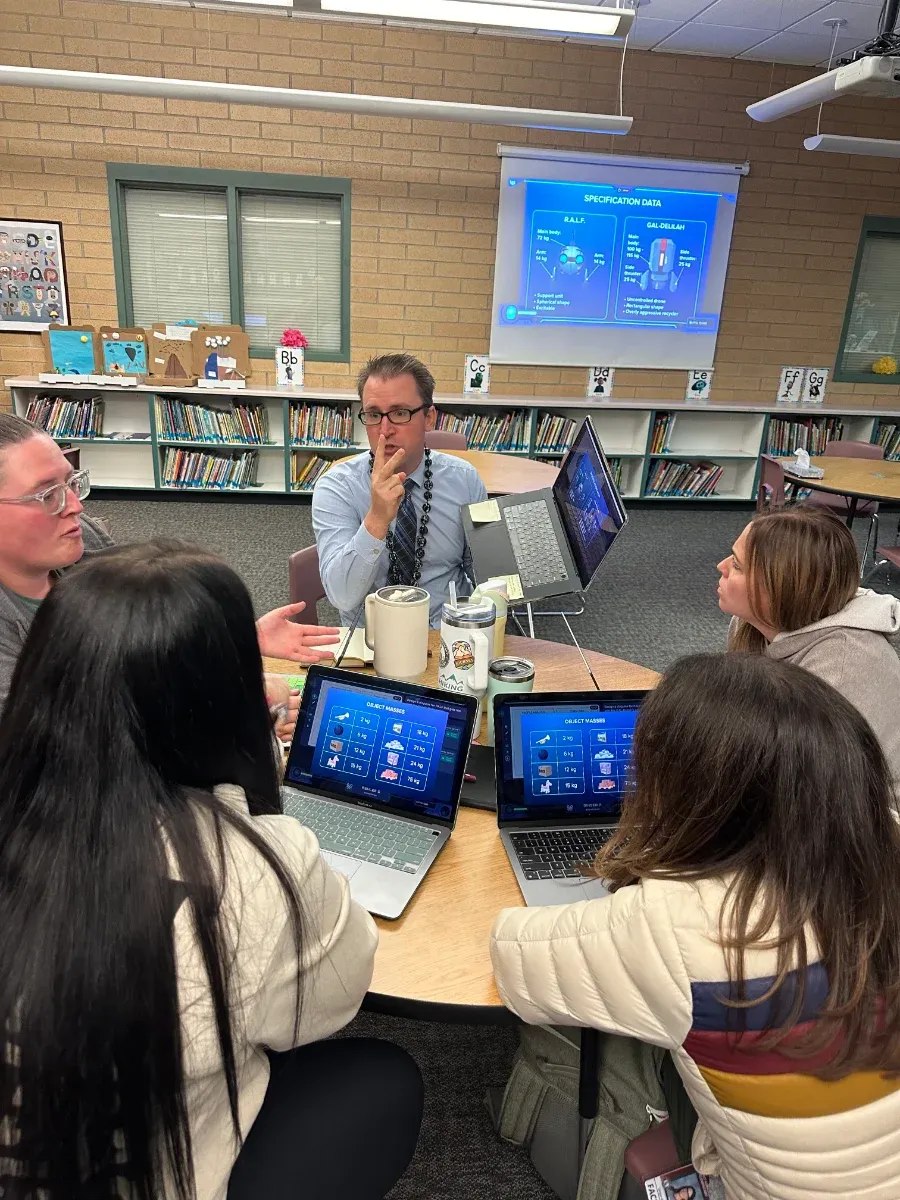
I’m not a tech person. Will I be okay?
If you can put a code on the board, you can run a Mission. No special training. It handles the story, the timing, and the data. You handle the questions. You were already good at those.
What if my class fails the Mission?
That’s part of the design. Failing is a normal part of learning, so the story lets your crew go back in time and try again once they’ve figured out what went wrong.
What if the Wi-Fi gives out?
School Wi-Fi has its moods. We built Missions to run in just about any school setup, and they usually pick right back up when the connection does. Still stuck? We’ll help. TALK TO US →
This week could end with your class saving a ship.
Your next unit doesn’t have to end in a packet. Pick a Mission tonight and give it somewhere to go.